

AI · productivity · tools · team collaboration · AI for teams · ChatGPT · Claude · Gemini · automation · collaboration
The 12 Best AI Productivity Tools for 2026
By Mantle Chat Team · Jul 18, 2026 · 12 min read
The best AI productivity tools have quietly become one of the best things to happen to the way teams work together. The right ones draft your emails, summarize your meetings, automate the repetitive stuff, and give everyone on the team a research assistant on call — freeing people up to spend more time on the work that actually needs a human.
And the best ones are genuinely a joy to use. Below are the 12 AI productivity tools we're most excited about for 2026, grouped by the job they do: collaborating with AI, chatting, researching, writing, automating busywork, running meetings, and creating visuals. For each one you'll find what it's best for, its standout features, and what it costs.
You won't reach for all 12 every day. Most teams lean on two or three regularly and keep the rest in their back pocket — coming back to them whenever a specific job calls for it. Start with the ones that match where your team spends its time, and add the others as you need them.
How we picked these: This isn't a list scraped from other roundups. Every tool here is one our own team actually uses or has put through real, hands-on testing in day-to-day work. We build a collaborative AI product ourselves, so we spend our days living inside these tools — and this list reflects what genuinely earned a place in how we work, along with honest notes on where each one shines and where it doesn't.
The best AI productivity tools at a glance
Here are the 12 tools we'll cover, in the order we'll walk through them:
- Mantle Chat — best multi-model AI workspace for small and midsize teams
- ChatGPT — best all-around AI assistant
- Claude — best for long-form writing and reasoning
- Perplexity — best for AI-powered research
- NotebookLM — best for synthesizing your own source materials
- Notion AI — best for notes, docs, and team knowledge
- Grammarly — best for polishing your writing
- Zapier — best for connecting your apps
- Make — best for visual, complex workflows
- Granola — best AI notepad for meeting notes
- Gamma — best for AI presentations
- Cursor — best for AI-powered coding
Now let's go over each one in depth. (Pricing is listed with every tool below, and it changes often — always check the vendor's page before buying.)
Collaboration AI tools
For a small or midsize team, the biggest AI win isn't a smarter chatbot — it's AI everyone can use together. Collaboration AI tools put the models, prompts, and answers in a shared space, so AI becomes team knowledge instead of a dozen private, disconnected sessions. This is where a growing team gets the most leverage, so it's where we start.
1. Mantle Chat — best multi-model AI workspace for small and midsize teams
Best for: Small and midsize teams that want every top AI model in one shared workspace — without everyone buying separate subscriptions.
Once a team starts using AI seriously, one model is never enough. ChatGPT is great for some tasks, Claude is better at long-form writing and code review, Gemini shines at others. For a small or midsize team, the usual answer — each person paying for their own logins to three different tools — gets expensive and hard to manage fast. Mantle Chat puts ChatGPT, Claude, and Gemini side by side in one workspace, so your team can switch models mid-conversation without losing context — all under a single plan with simple, per-seat billing.
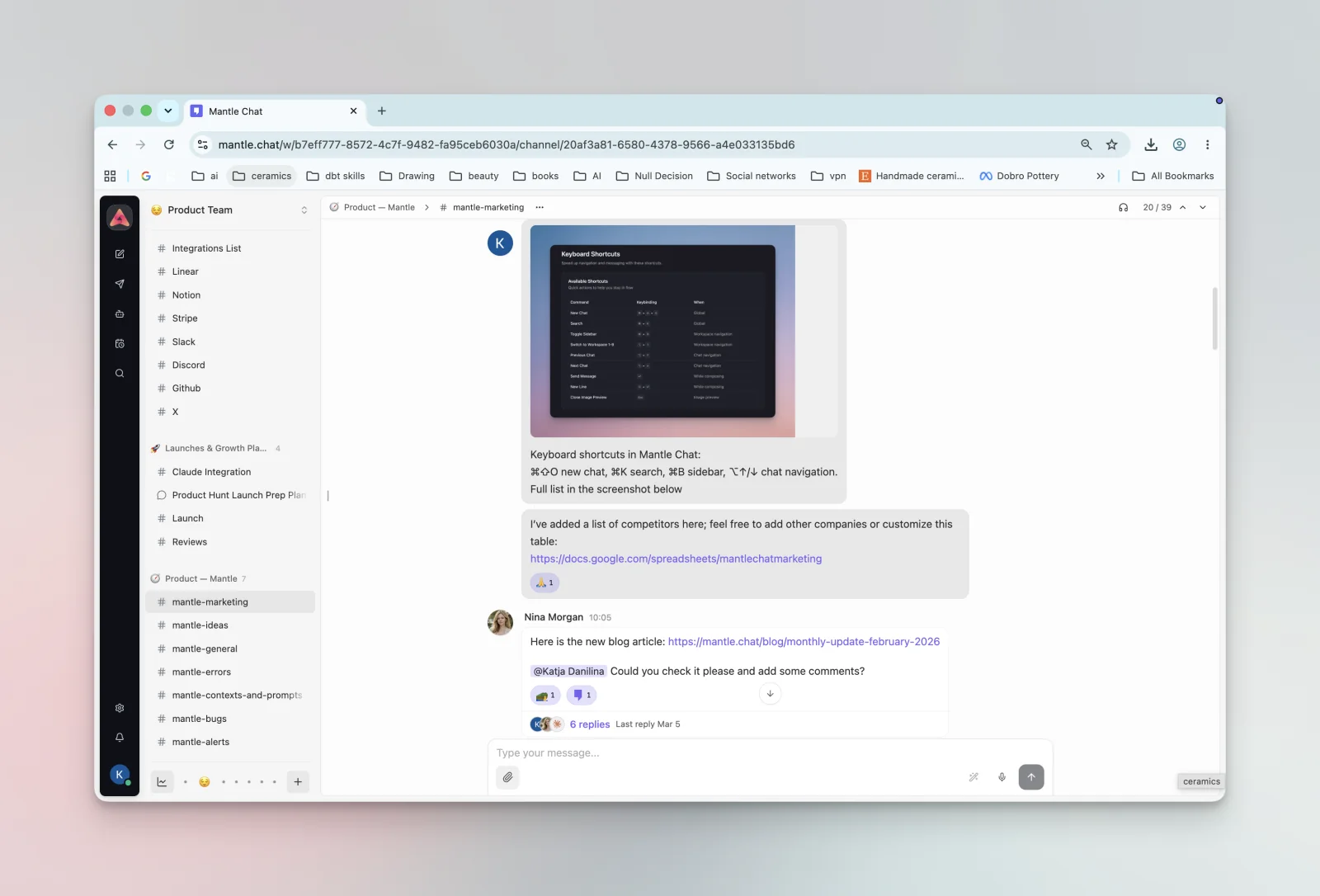
Where it goes beyond a model aggregator is collaboration built for teams. Instead of AI chats being locked inside one person's account, Mantle gives your team shared workspaces — so colleagues can work in the same conversations, build on each other's prompts, and keep AI-assisted work organized by project instead of scattered across everyone's private history. It even brings AI into shared team chat rooms with Channels, where you can @mention any model and the whole team sees the answer. For a growing team, that's the difference between AI as a personal habit and AI as shared knowledge everyone can see, reuse, and improve — without the enterprise price tag or setup overhead.
Key features:
- Access ChatGPT, Claude, and Gemini from one interface — switch models in the same thread
- Shared team workspaces with real-time collaboration
- Folders and full-text search across your conversation history
- Compare answers from different models on the same question
- One subscription instead of several
Pricing: Free tier to start; Pro plan around $20/month with higher limits and premium models. Team plans for shared workspaces.
AI chat assistants
Under any collaboration setup are the chat assistants themselves — the single most versatile AI tools you can pick up. They're great on their own, and even better when your whole team can reach all of them in one place (that's the Mantle Chat approach above).
2. ChatGPT — best all-around AI assistant
Best for: People who want a single, capable AI assistant and are happy inside OpenAI's ecosystem.
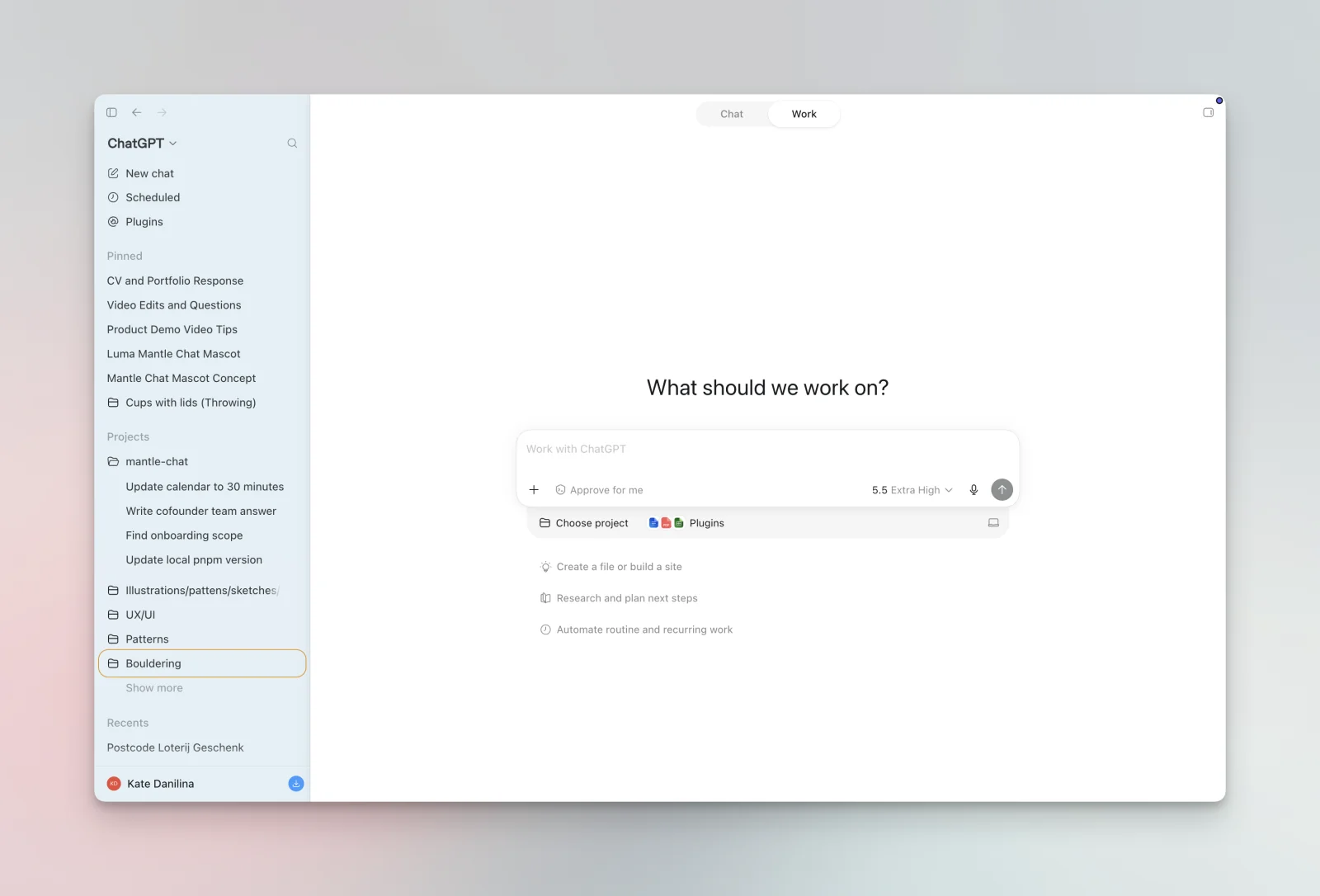
ChatGPT remains the default AI assistant for a reason: it's fast, broadly capable, and constantly updated. With voice, image generation, file uploads, and custom GPTs, it handles most everyday tasks well, and its GPT-5-class models are strong at reasoning and coding.
Key features:
- Strong general reasoning, coding, and writing
- Voice mode, image generation, and file analysis
- Custom GPTs and a large plugin/tool ecosystem
Pricing: Free tier; Plus at $20/month; Team and Enterprise plans for organizations.
3. Claude — best for long-form writing and careful reasoning
Best for: Writers, analysts, and developers who value nuance, tone, and long-context work.
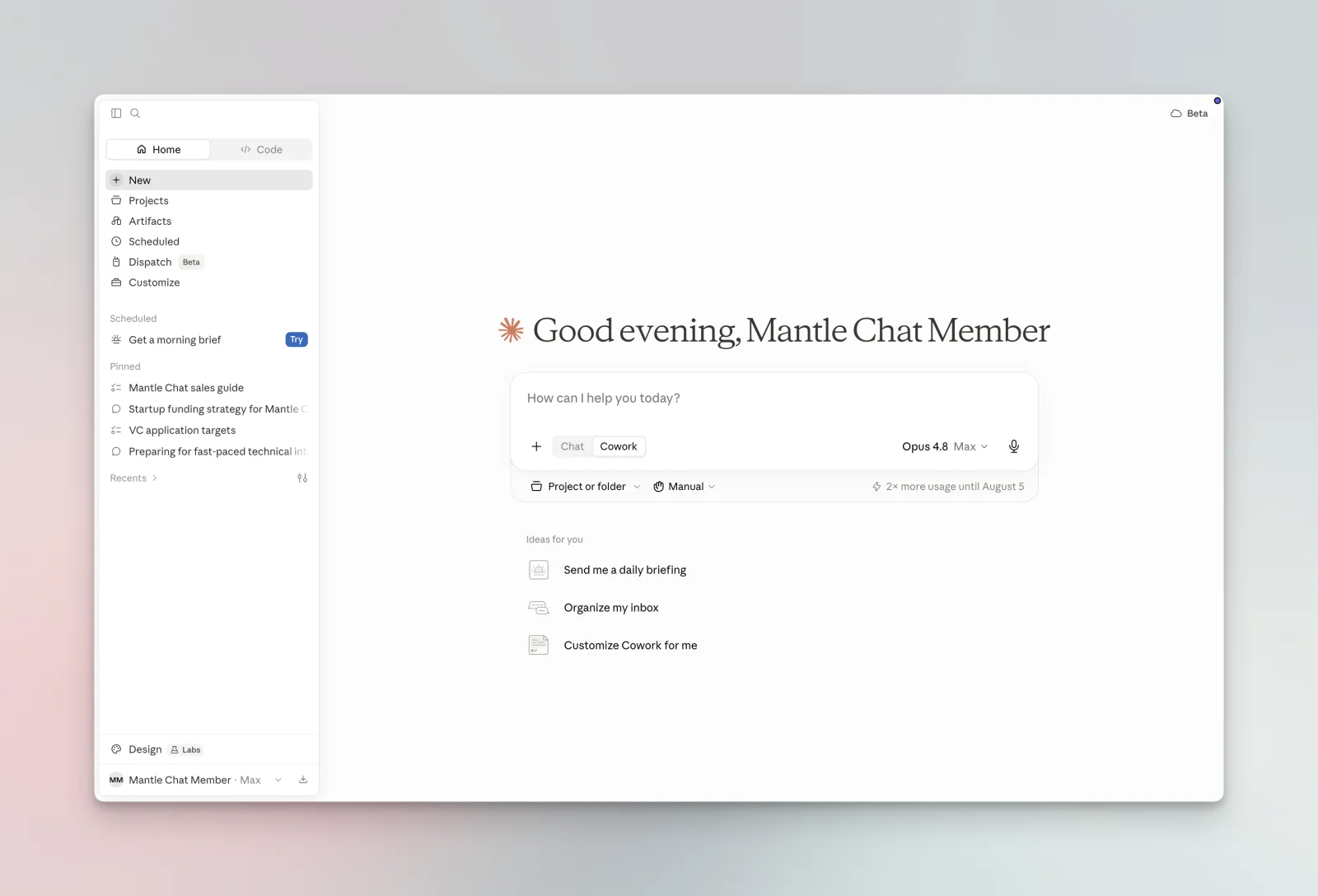
Claude has a reputation for producing more natural prose and for being careful and thorough with complex, multi-step reasoning. Its large context window makes it well suited to working across long documents, and features like Projects and Artifacts make it comfortable for sustained work.
Key features:
- Excellent long-form writing with a natural voice
- Very large context window for big documents
- Artifacts for building and iterating on content and code
Pricing: Free tier; Pro at $20/month; Team and Enterprise plans available.
Tip: rather than picking one of these three, tools like Mantle Chat let you keep all of them and use the right model per task.
Research and knowledge
4. Perplexity — best for AI-powered research
Best for: Anyone who wants answers with citations instead of a list of blue links.
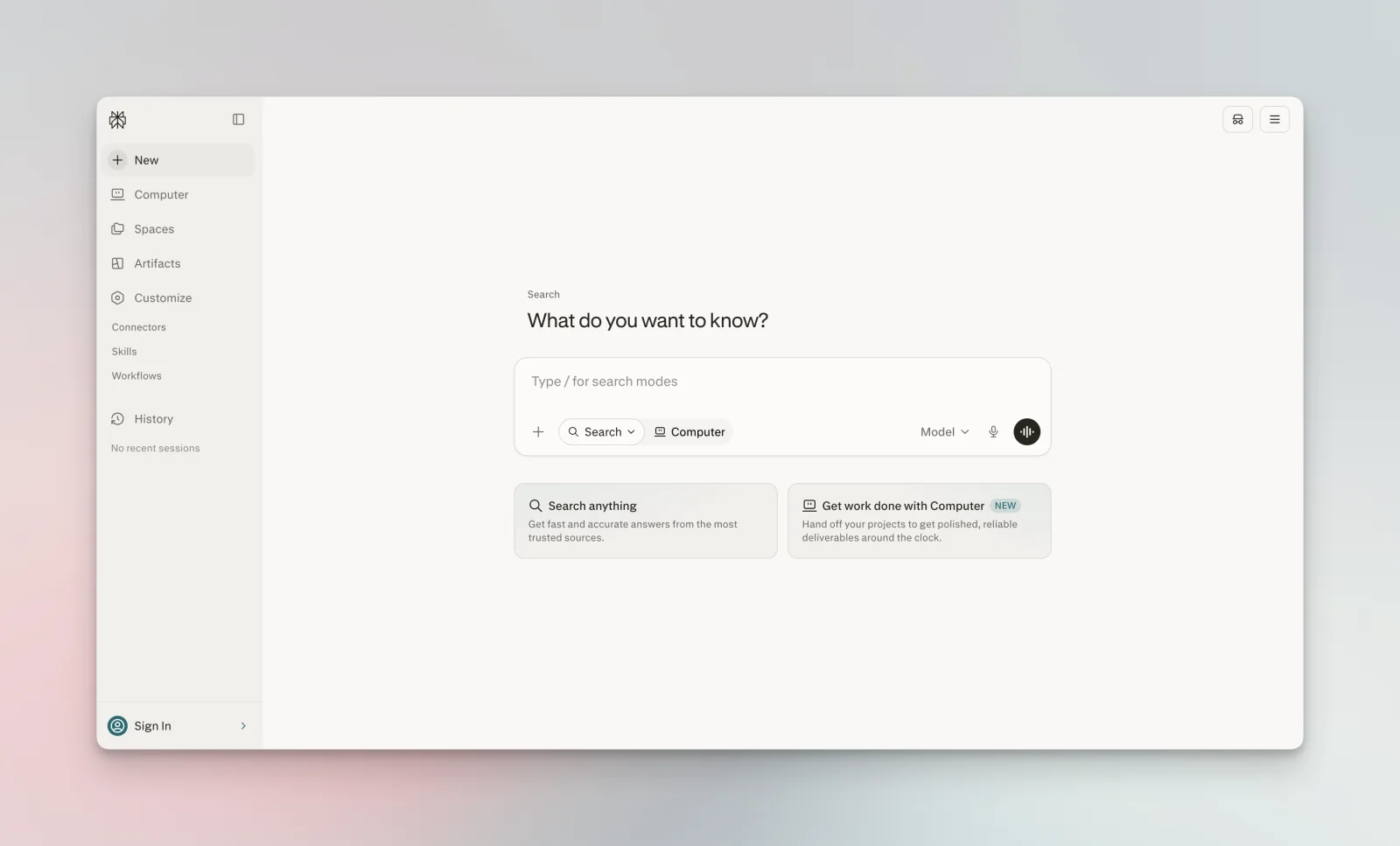
Perplexity is what "AI search" should be: ask a question in plain language and get a synthesized answer with sources you can click through and verify. It's become a go-to for quick research, competitive digging, and fact-checking, and its Pro tier lets you steer which underlying model does the work.
Key features:
- Conversational search with inline citations
- Focus modes for academic, web, or specific sources
- Follow-up questions that keep context
Pricing: Free tier; Pro at $20/month for higher limits and advanced models.
5. NotebookLM — best for research grounded in your own documents
Best for: Students, researchers, and teams who want AI answers based only on sources they trust.
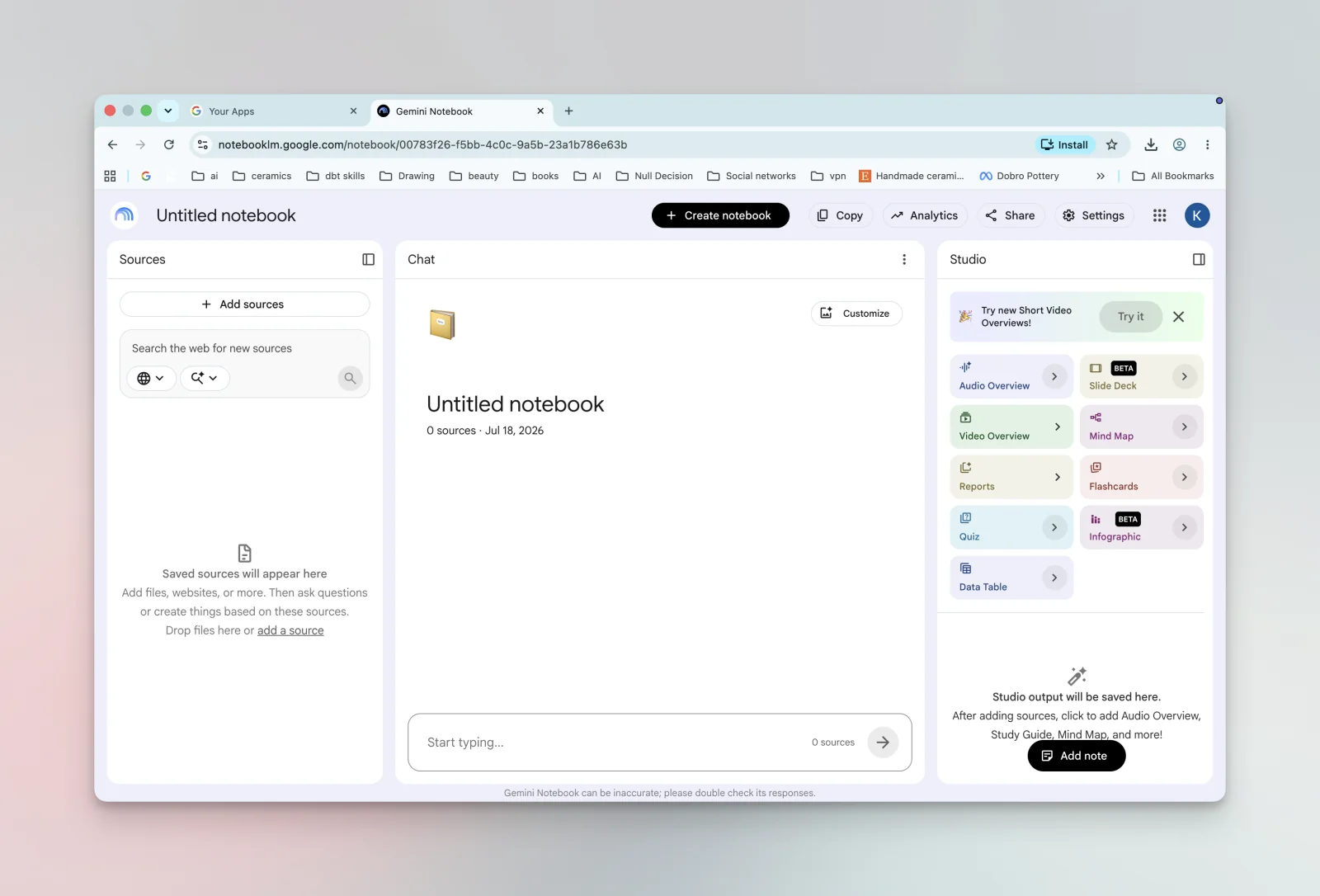
Google's NotebookLM flips the script: instead of answering from the open web, it answers from documents you upload. That makes it excellent for studying a dense report, synthesizing meeting notes, or building a mini knowledge base — and its answers cite the exact passage they came from. The audio-overview feature that turns your notes into a podcast-style discussion is a genuine standout.
Key features:
- Answers grounded strictly in your uploaded sources, with citations
- Audio overviews that summarize your material as a conversation
- Great for study guides, briefings, and document synthesis
Pricing: Free.
Writing and documents
6. Notion AI — best for notes, docs, and team knowledge
Best for: Teams already living in Notion who want AI where their work happens.
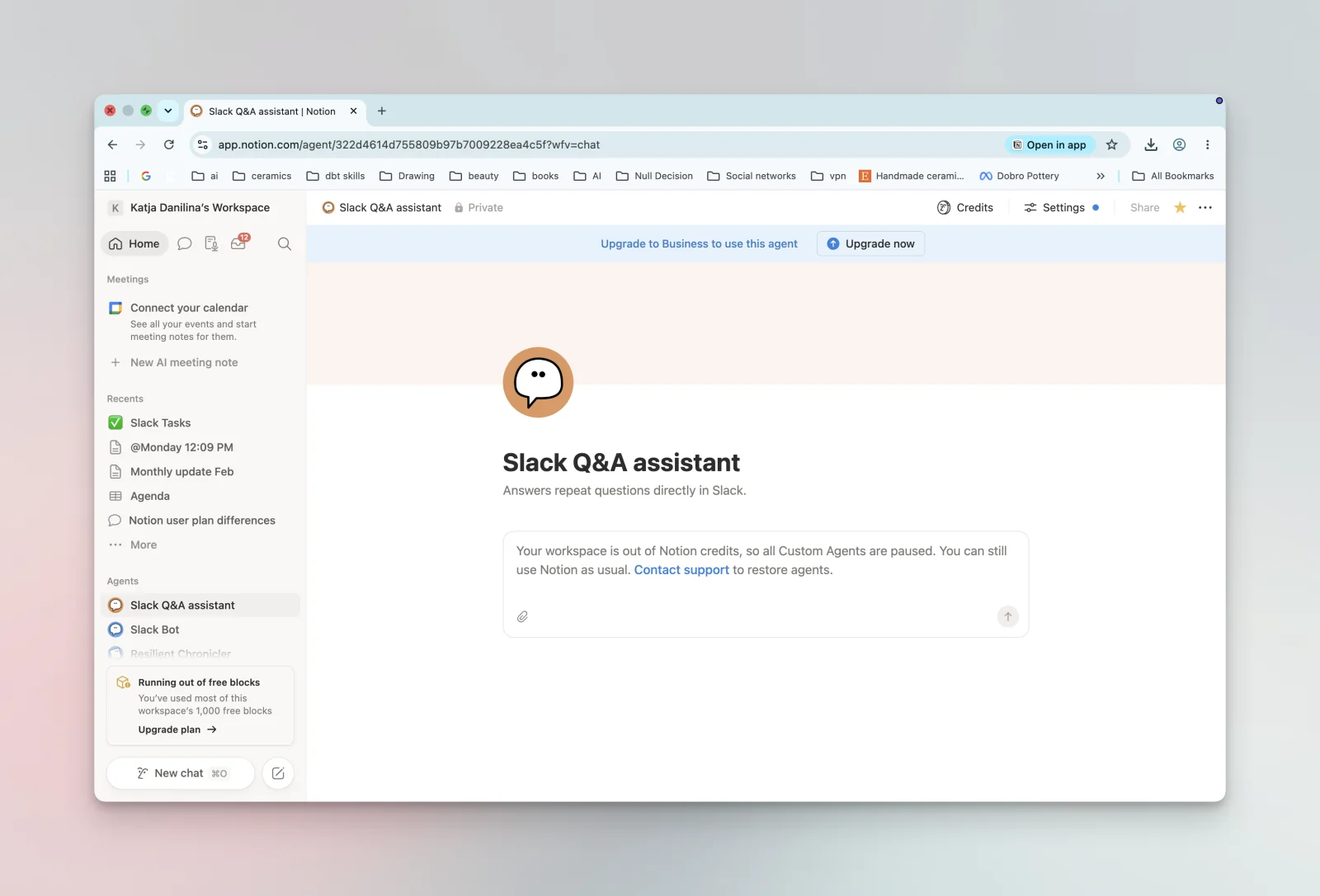
Notion AI puts a capable assistant directly inside your notes, docs, and databases. It can summarize long pages, draft content, answer questions across your workspace, and pull information out of your accumulated docs. Because it's embedded in the tool your team already uses, there's no extra app to adopt.
Key features:
- Draft, summarize, and rewrite inside any Notion page
- Q&A across your entire workspace
- Auto-fill database properties and generate summaries
Pricing: AI features included on paid plans starting around $10/user/month.
7. Grammarly — best for polishing your writing
Best for: Anyone who writes a lot and wants it to land cleanly, everywhere they type.
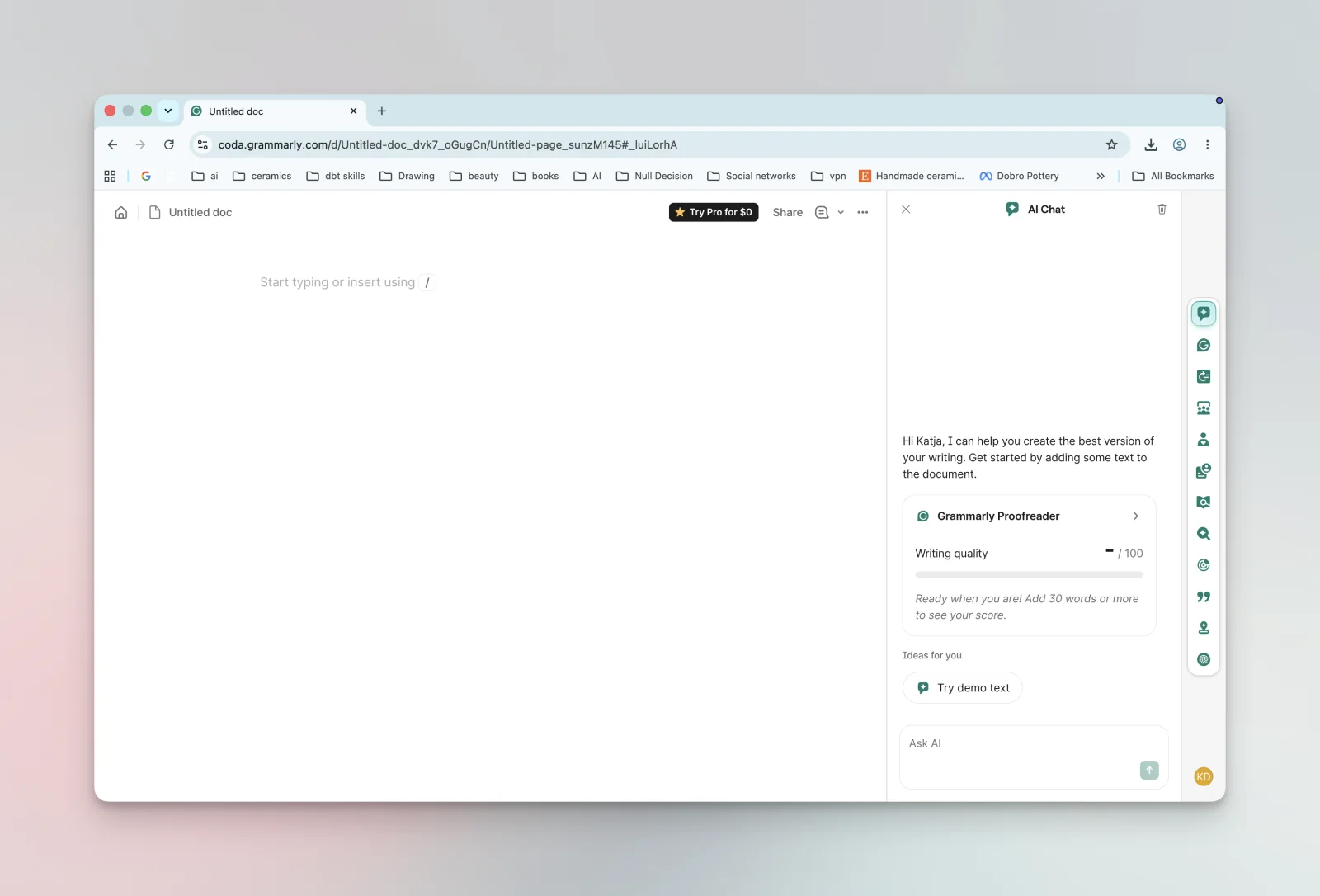
Grammarly has evolved from a grammar checker into a full writing assistant that works across nearly every app in your browser and desktop. Beyond catching mistakes, it now helps rewrite for clarity, adjust tone, and generate drafts — useful for email, docs, and messaging without switching context.
Key features:
- Real-time grammar, clarity, and tone suggestions everywhere you write
- Generative AI for drafting and rewriting
- Tone detection and adjustment
Pricing: Free tier; Pro from around $12/month; Business plans for teams.
Automation and AI agents
8. Zapier — best for connecting your apps
Best for: Non-developers who want to automate repetitive work across thousands of apps.
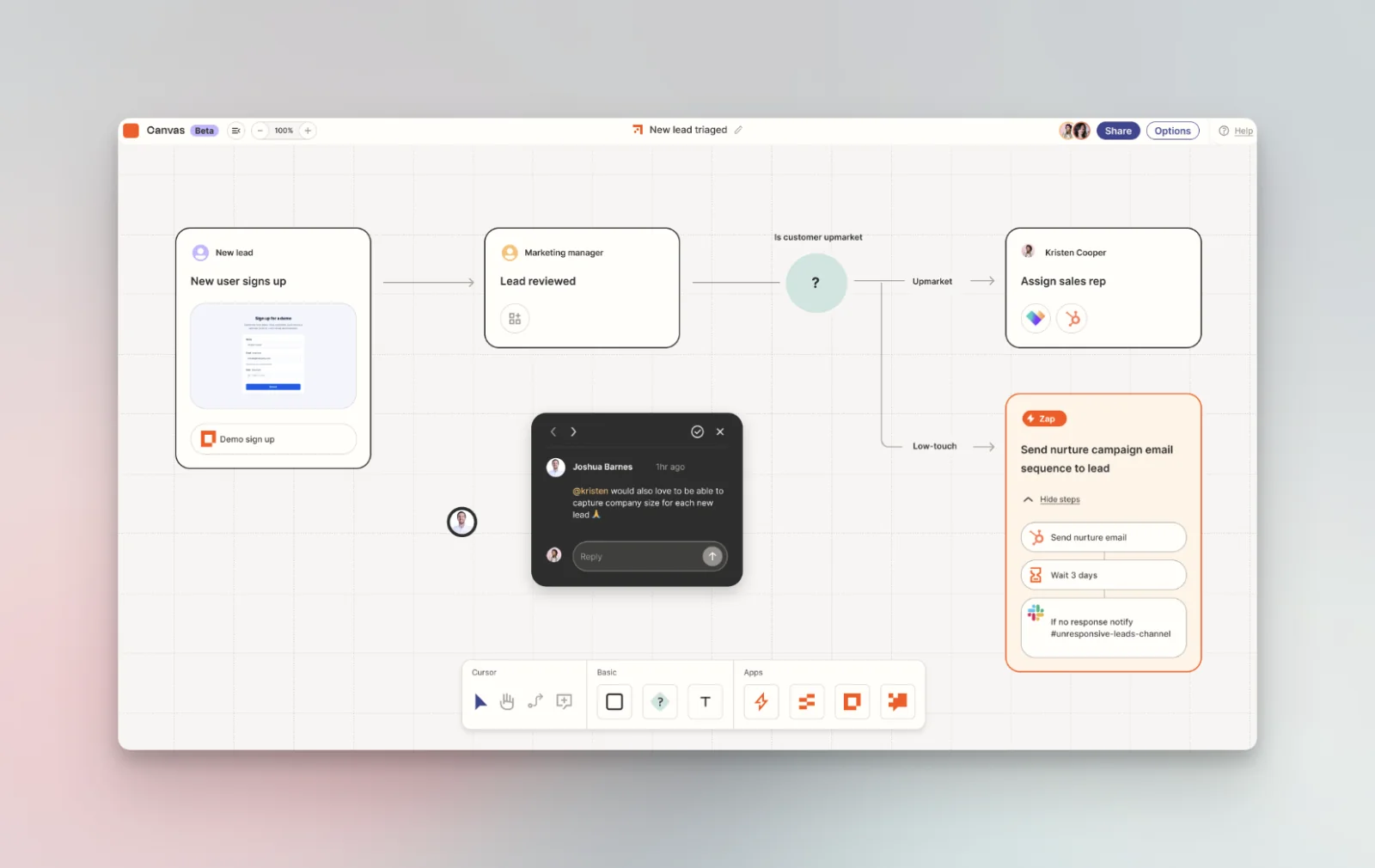
Zapier is the workhorse of no-code automation, connecting 7,000+ apps so a trigger in one tool fires an action in another. Its AI features now let you build workflows from a plain-language description and add AI steps (summarize, classify, draft) inside automations — turning "I do this by hand every day" into something that just happens.
Key features:
- 7,000+ app integrations
- AI-assisted workflow building from natural language
- AI steps for summarizing, extracting, and drafting inside Zaps
Pricing: Free tier; paid plans from around $20/month depending on task volume.
9. Make — best for visual, complex workflows
Best for: People who want more control and visibility than a linear automation gives.
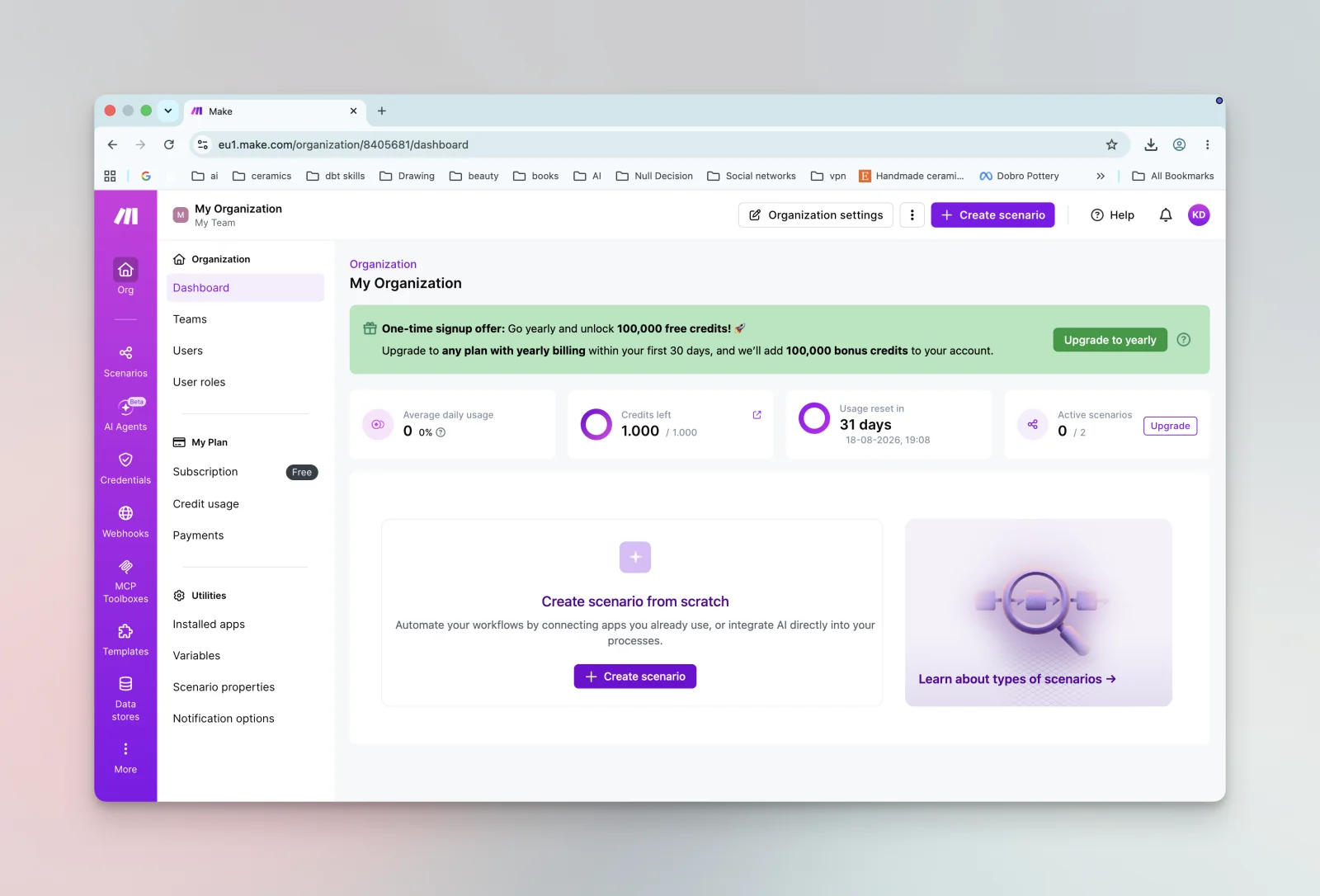
Make (formerly Integromat) takes a visual, canvas-based approach to automation. You wire modules together and can see data flow through branches, loops, and filters — which makes complex, multi-step scenarios much easier to build and debug than a stack of simple rules. It tends to be more cost-effective at higher volumes, too.
Key features:
- Visual drag-and-drop scenario builder
- Advanced branching, routing, and error handling
- Generous operations pricing for complex flows
Pricing: Free tier; paid plans from around $9/month.
Meeting notes
10. Granola — best AI notepad for meeting notes
Best for: Small and midsize teams that want polished meeting notes without a bot joining every call.
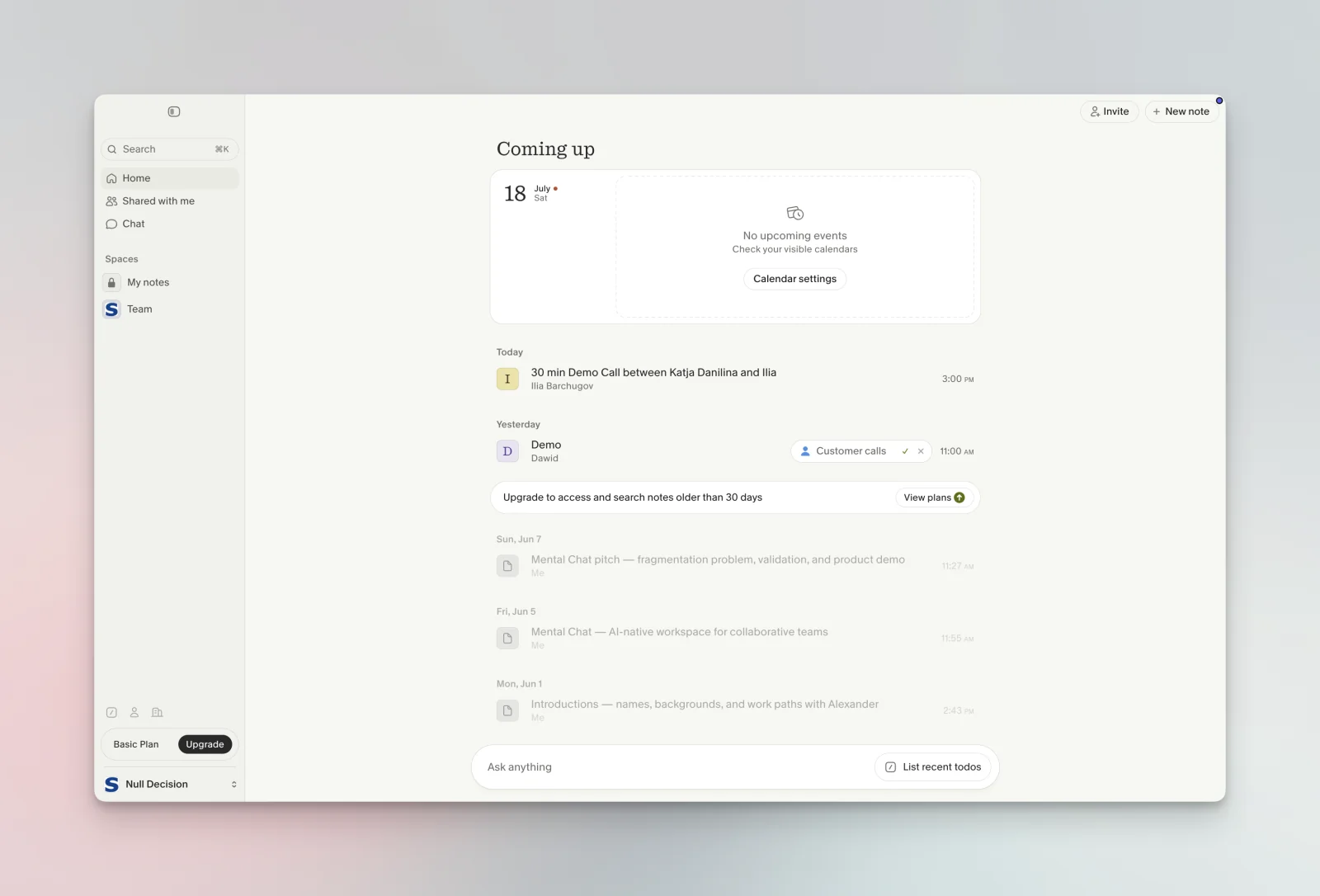
Granola takes a different approach to meeting notes: instead of sending a bot into your call, it listens in the background and turns your own quick notes into a clean, structured summary the moment the meeting ends. That makes it feel less like surveillance and more like a sharp assistant sitting next to you — a favorite of founders and small teams who live in back-to-back calls.
Key features:
- Enhances your own notes into structured summaries — no meeting bot required
- Works across Zoom, Meet, Teams, and in-person conversations
- Searchable history and quick sharing with your team
Pricing: Free tier; paid plans from around $18/month.
Presentations and coding
11. Gamma — best for AI presentations
Best for: Anyone who dreads building slides from scratch.
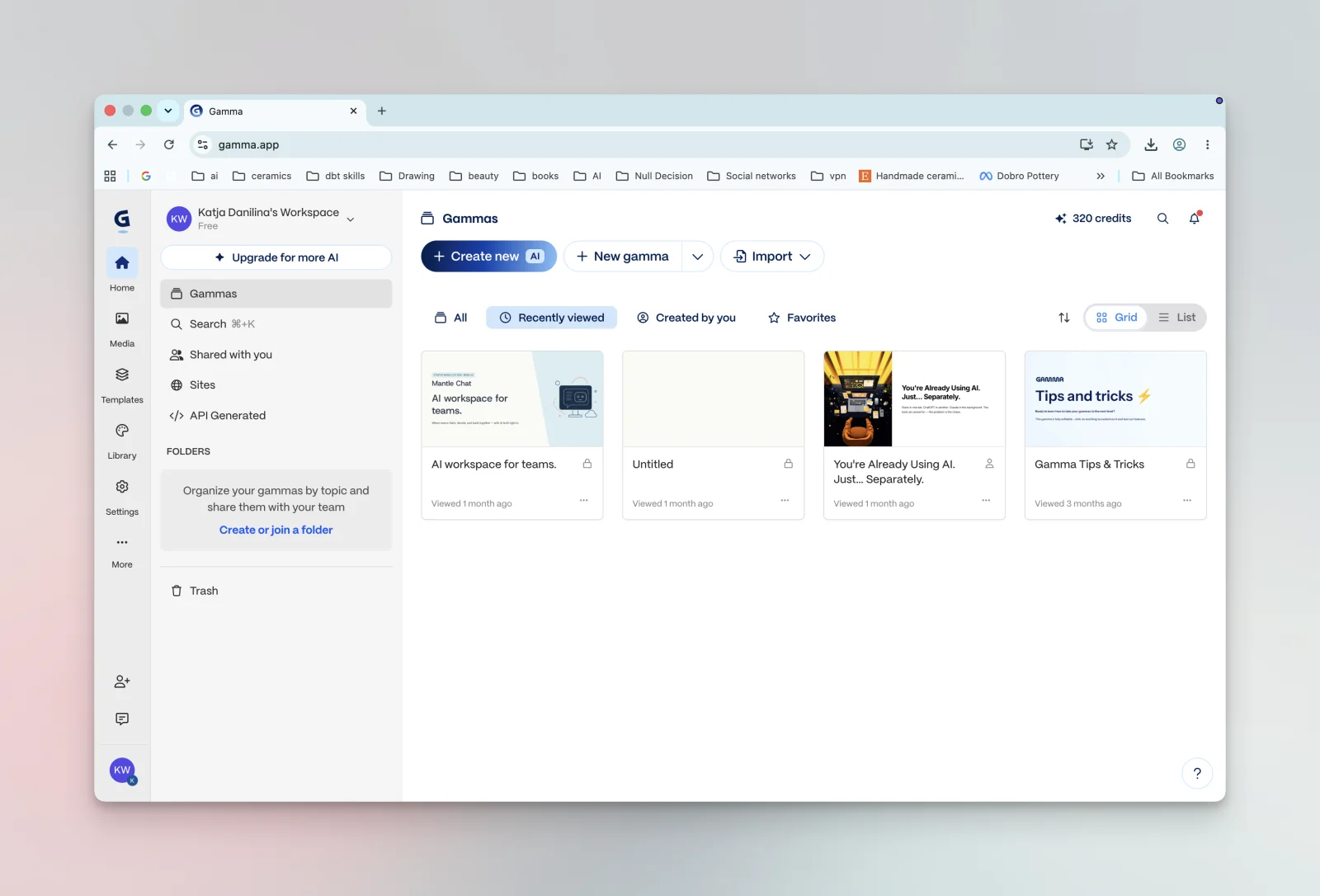
Gamma turns a prompt or an outline into a polished presentation, document, or webpage in seconds — then lets you refine it conversationally. It handles layout, design, and imagery so you can focus on the message, making it a fast way to get from "I need a deck by tomorrow" to something you'd actually present.
Key features:
- Generate full decks from a prompt or outline
- Built-in templates, themes, and AI images
- Export to PowerPoint/PDF or share as a web page
Pricing: Free tier; Plus from around $10/month.
12. Cursor — best AI coding assistant
Best for: Developers who want AI woven into their editor, not bolted on.
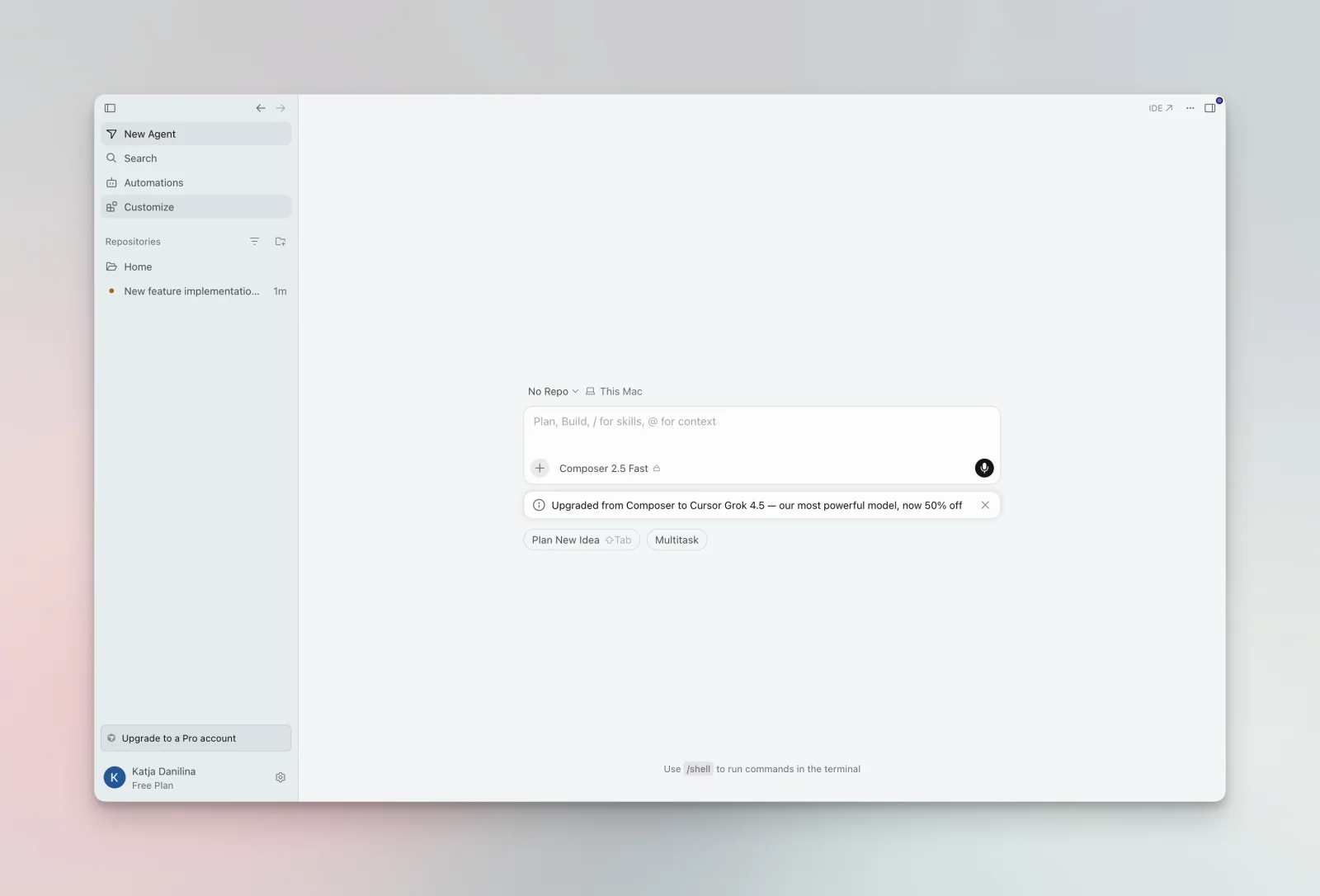
Cursor is a code editor built around AI from the ground up. It understands your whole codebase, can make multi-file edits from a plain-language request, and lets you chat with your project to debug and refactor. For engineers, it's become one of the biggest day-to-day productivity multipliers of the past couple of years.
Key features:
- Codebase-aware chat and multi-file edits
- Inline completions and agent-style task execution
- Works with your existing extensions and workflow
Pricing: Free tier; Pro at $20/month.
How to choose the right AI productivity tools
Twelve tools is a menu, not a shopping list. A simple way to narrow it down:
- Start with an AI chat assistant. It's the most versatile tool here and covers a huge range of tasks. If you find yourself wanting more than one model — or you work with a team — a multi-model workspace like Mantle Chat saves you juggling logins and bills.
- Add one automation tool if you notice yourself doing the same digital task over and over. Zapier for breadth, Make for more complex, visual flows.
- Layer in the specialists you actually need — a notetaker if you're in constant meetings, Perplexity or NotebookLM if you research a lot, Gamma if you build slides or visuals.
Resist the urge to adopt everything at once. Each new tool has a switching cost, and the productivity gain only shows up once a tool becomes a habit.
The bottom line
The best AI productivity tools in 2026 aren't the ones with the flashiest demos — they're the ones that quietly remove work from your day. For most people, that starts with a great AI chat assistant, and increasingly the smart move is not committing to a single model but keeping the best of them together in one place.
That's exactly the gap Mantle Chat was built to fill: ChatGPT, Claude, and Gemini in one collaborative workspace, so you (and your team) can use the right AI for every task without the tab-and-subscription sprawl. Try it free and see how much lighter your AI stack can be.
Every top AI model in one workspace
Skip the tab-and-subscription sprawl. Use ChatGPT, Claude, and Gemini side by side — and share them with your team.
No credit card required.
Frequently asked questions
What are AI productivity tools? AI productivity tools use artificial intelligence to help you get work done faster — drafting text, automating repetitive tasks, summarizing meetings, researching, and generating designs or code. The best ones remove entire steps from your workflow rather than just adding a chatbot to it.
What is the best AI productivity tool in 2026? There's no single winner, because it depends on the job. For most people the highest-leverage starting point is an AI chat assistant. If you want more than one model or you work with a team, Mantle Chat is a strong pick because it combines ChatGPT, Claude, and Gemini in one shared workspace.
Are there free AI productivity tools? Yes. Most tools on this list have a free tier, and some — like NotebookLM and Granola — are especially generous. A good approach is to start on free plans, find the two or three tools you use daily, then upgrade only those.
How many AI tools do I actually need? Usually fewer than you think. A capable AI chat assistant plus one automation tool covers most people's needs, with a specialist or two added for meetings, research, or design depending on your role.
What's the best AI productivity tool for team collaboration? For working together, you want AI in a shared space rather than locked in individual accounts. Mantle Chat is built for exactly this: it puts ChatGPT, Claude, and Gemini in shared team workspaces (and shared Channels), so a small or midsize team can use every top model together, see each other's answers, and turn AI into shared knowledge instead of a dozen disconnected private chats.
Related reading
Every pick above comes from tools our team actually uses day to day. To pressure-test the list, we also cross-checked it against other well-regarded roundups (from Zapier, Gumloop, Plus AI, and others) to make sure we weren't overlooking anything worthwhile.
Want to go deeper on getting AI working for your whole team? Read the complete guide to AI workspace collaboration — how small and midsize teams bring every top model into one shared space and organize their AI work in one place.
Pricing, features, and model availability change frequently — always confirm the current details on each vendor's own site before making a decision.
Full disclosure: we build Mantle Chat, so we're not neutral about it. Everything else on this list is here because it genuinely earns its place in how we work.