

workflow · ai-agents · best-practices · scrum · mcp · claude-code
Mantle Chat: Best Practices for Coding with Agents
By Mantle Chat Team · Jan 13, 2026 · 12 min read
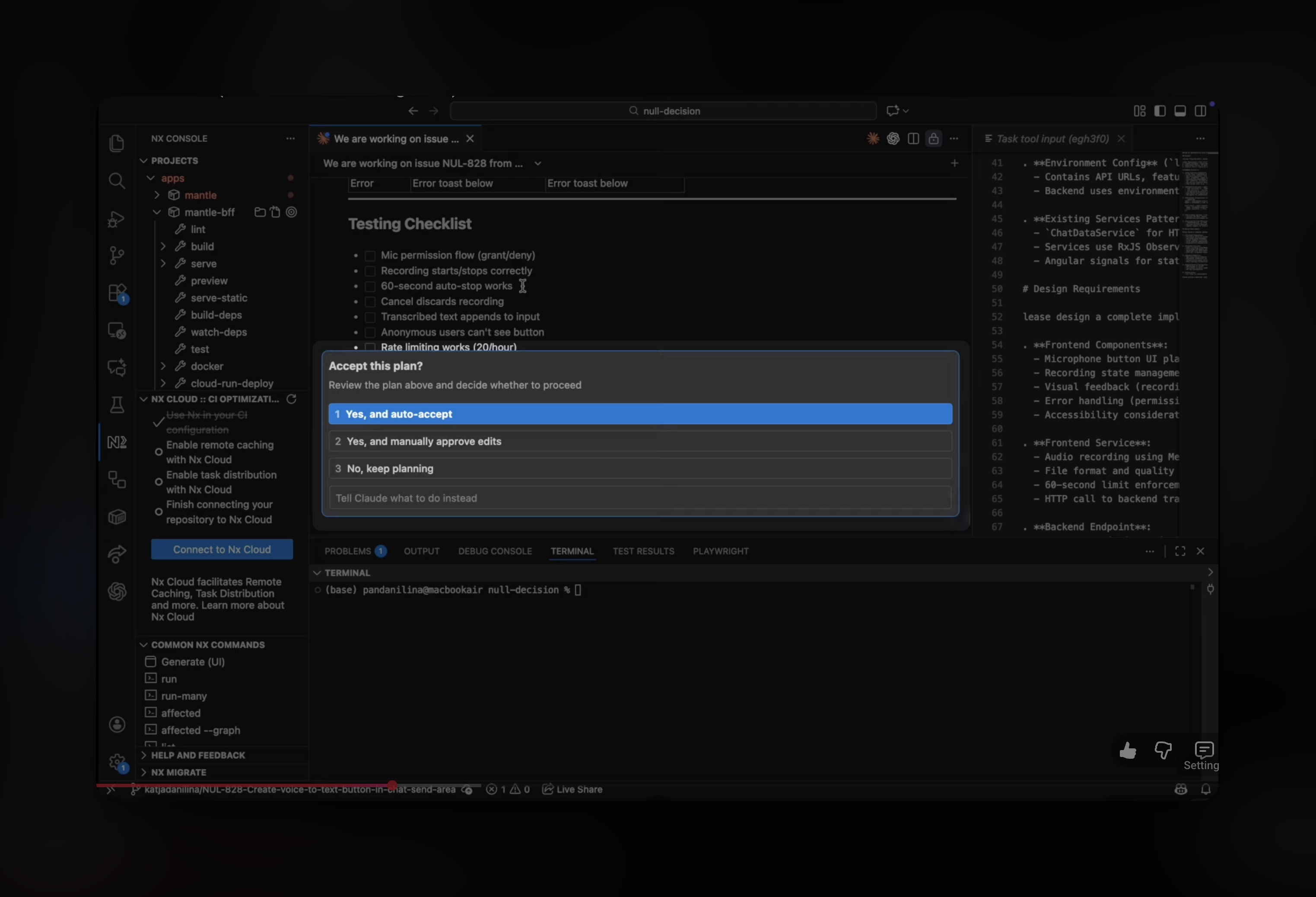
Coding agents are changing how software gets built.
Models can now explore codebases, plan implementations, write multi-file changes, run tests, and iterate until everything works. But getting the most out of agents requires understanding how they work and developing new patterns.
This guide covers techniques we've developed at Mantle Chat for working with coding agents. Whether you're new to agentic coding or looking to refine your workflow, these best practices will help you ship faster while maintaining quality.
Understanding How Agents Work
An agent workflow is built on three components:
- Instructions — the system prompt, project rules, and conventions that guide agent behavior
- Tools — file editing, codebase search, terminal execution, MCP servers, and more
- Your messages — prompts, context, and follow-ups that direct the work
The key insight: agents are very good at executing, but they need clear direction. Your job shifts from "writing code" to "providing context and verifying results."
Team Setup: Create Alignment Before the Agent Starts
Before any feature work begins, establish a simple operating rhythm:
- Use a task management tool (we use Linear) as your single source of truth
- Plan work using milestones (quarterly works well) to stay aligned with business goals
- Have regular team syncs for planning, prioritization, and coordination
Key detail: don't create issues in isolation. Create and refine issues together as a team — so requirements, UX expectations, and scope are shared early. When an agent starts planning, it's starting from something that already reflects team alignment.
If you're a solo developer, you can still benefit from this approach: write clear issues for yourself, define acceptance criteria upfront, and treat it as documentation for your future self (and the agent).
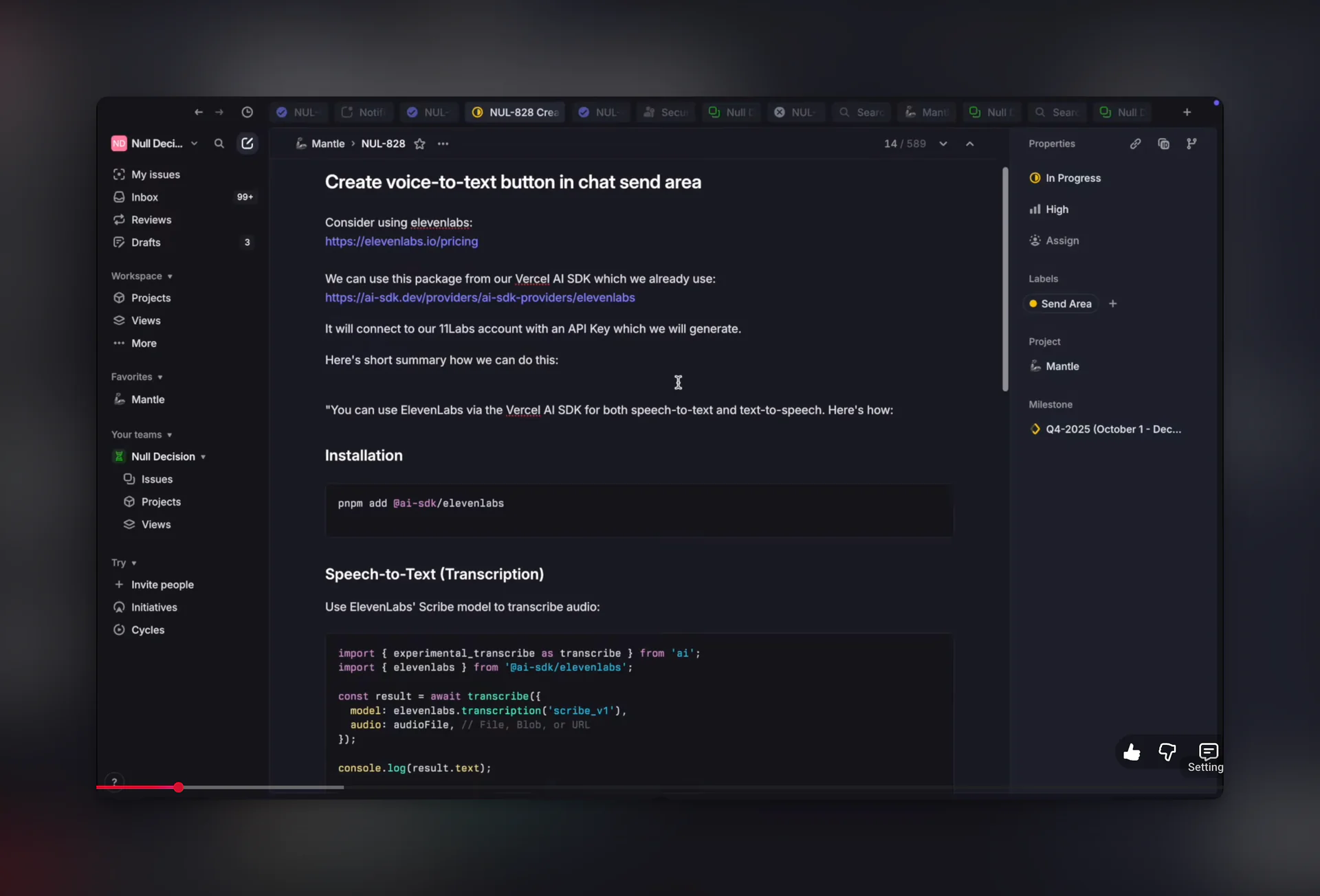
Pro tip: Modern code editors already have deep knowledge of your codebase. You can ask the agent to "check the existing code for similar patterns" or even use AI chat tools to help draft issues — they understand your project context and can suggest requirements, acceptance criteria, or edge cases you might miss.
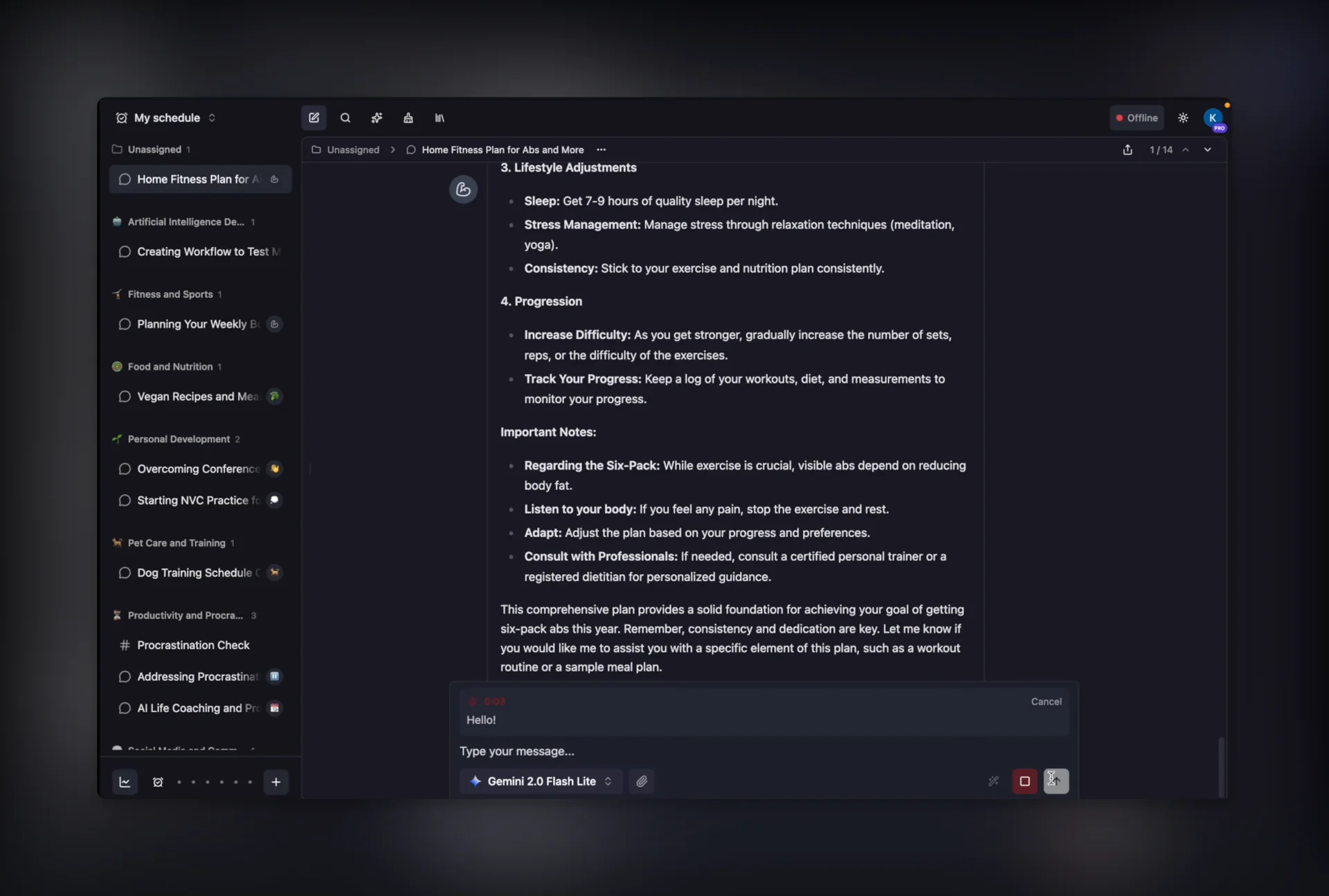
Connect Your Tools with MCP
MCP (Model Context Protocol) is an open standard that lets AI agents connect to external tools and data sources. It works through a client-server architecture:
- MCP Servers expose capabilities (like reading Linear issues, fetching Slack messages, or querying databases)
- MCP Clients (like Claude Code, Cursor, or other AI tools) connect to these servers and use their capabilities
For example, with a Linear MCP server, the agent can read issue details, comments, and acceptance criteria directly from Linear. No copy-pasting requirements.
Pro tip: MCP servers are a game-changer for agent workflows. Instead of manually providing context, the agent can pull exactly what it needs. Check the MCP server directory for servers that connect to GitHub, Slack, Notion, databases, and more.
Start with Plan Mode
The most impactful habit is planning before coding.
Plan mode makes the agent think before it writes files. Instead of immediately implementing, the agent:
- Researches first — explores the codebase, finds relevant patterns, understands existing architecture
- Proposes an approach — creates a step-by-step implementation plan with specific files and changes
- Asks clarifying questions — surfaces ambiguities early so you can guide the direction
- Waits for approval — doesn't write code until you review and approve the plan
This is especially valuable for non-trivial features. Without plan mode, agents can go down the wrong path and you end up fixing or reverting work. With plan mode, misalignments surface before any code is written.
In Claude Code, you can toggle plan mode with Shift+Tab in the input, or simply ask the agent to "start in plan mode" or "create a plan first."
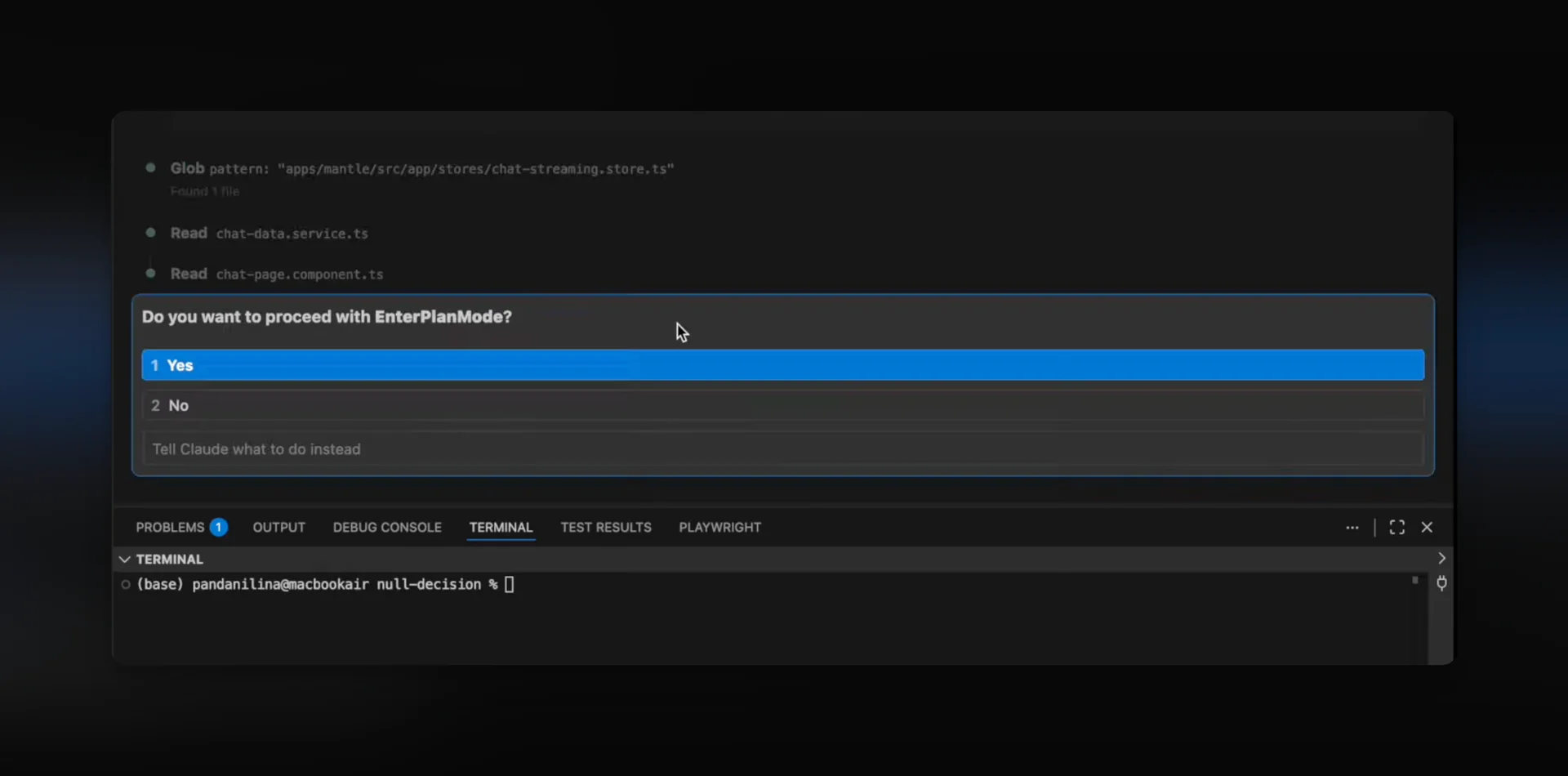
Pro tip: Plan mode outputs are often saved as Markdown files. You can edit the plan directly, remove unnecessary steps, or add constraints before the agent starts implementing. Some teams even commit plans to the repo as lightweight documentation.
Review the Plan Like a Mini PRD
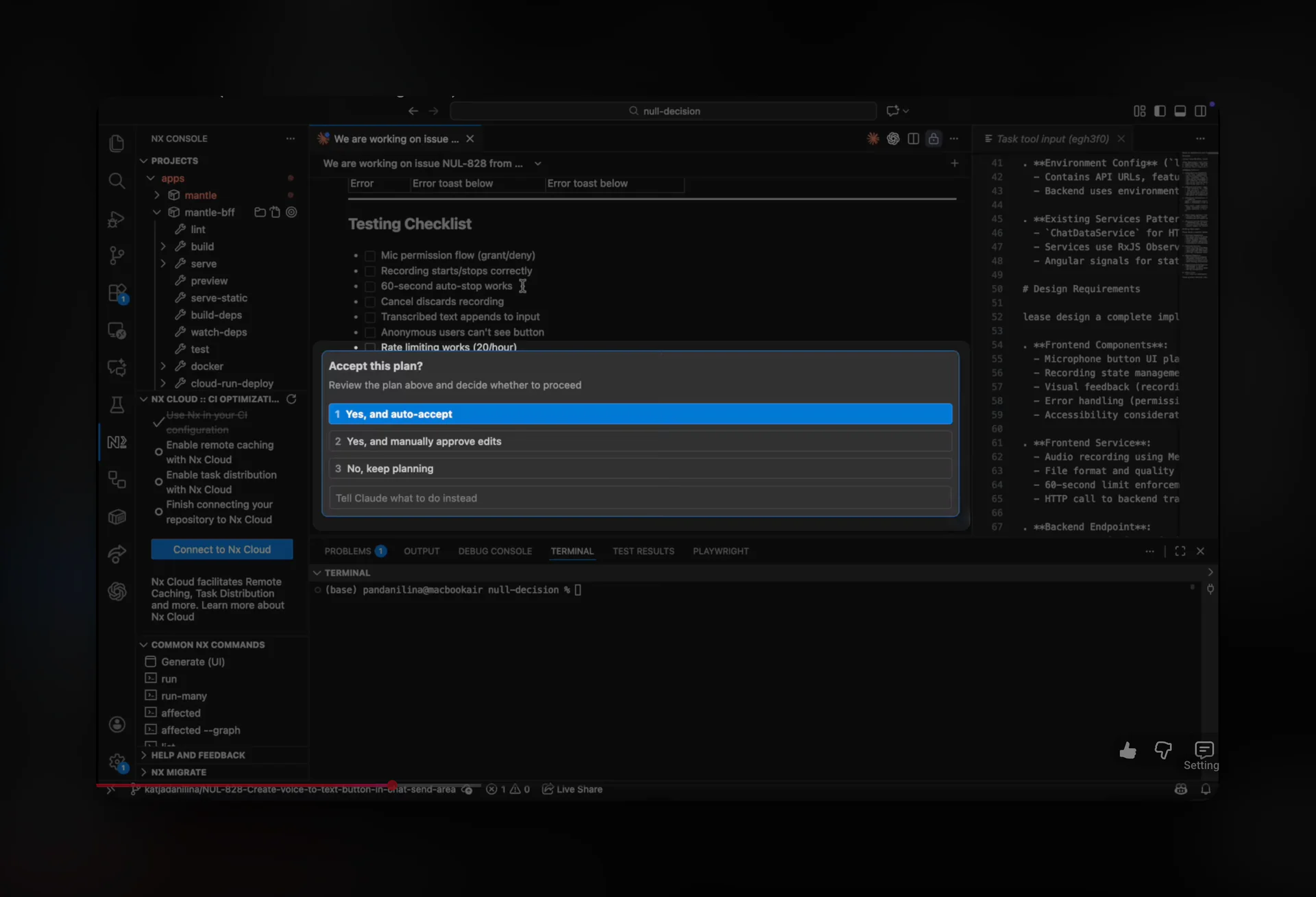
Once the plan is ready, read through it carefully and ask follow-up questions — especially around:
- UI behavior and UX ideas
- Edge cases and error handling
- Performance implications
- Security considerations
Verify the plan against your issue and milestone goals. The plan should match what you actually want, not what's simply easiest to build.
If you treat the plan like a mini PRD, you get two big benefits:
- Fewer rewrites during implementation
- A written artifact you can reuse later (or hand to another agent)
Get a Second Opinion
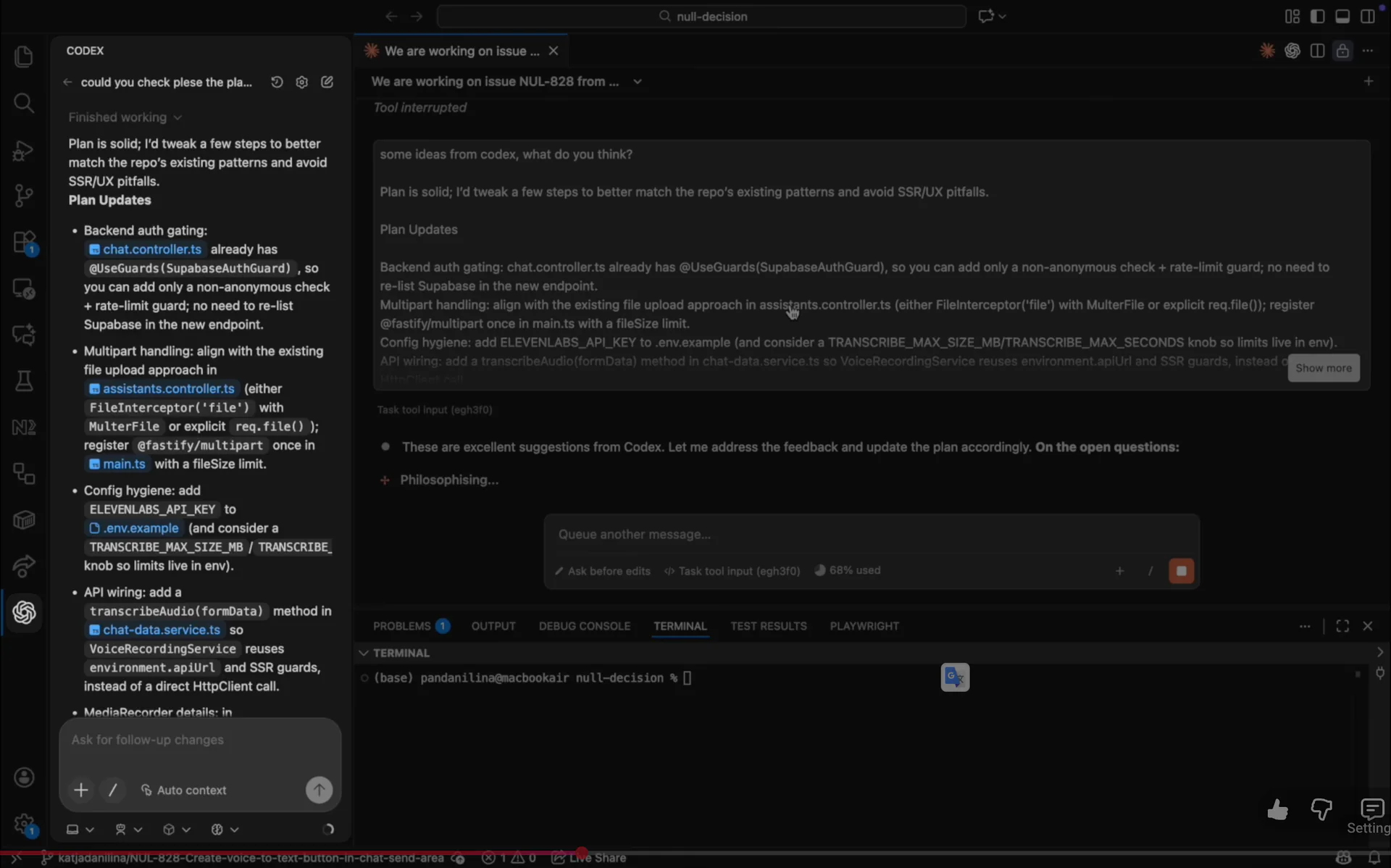
Before implementation begins, ask a different model for a second opinion to validate the plan.
This is a small habit that saves time. Different models catch different things:
- Edge cases you didn't think about
- Alternate implementations
- "This will get messy later" warnings
You can use tools like Codex, a different Claude model, or any AI assistant to review the plan and add details or think through edge cases.
Add Screenshots for UI Work
For anything UI/UX-heavy, add screenshots and visual context. This is one of the easiest ways to prevent misalignment.
Words are ambiguous; images are not. A single screenshot can prevent hours of back-and-forth.
You can also look at how similar features behave in other apps for UX inspiration. When you find something you like, share it with the agent as a reference.
Implementation Is Mostly Iteration
Once planning is done, implementation becomes a loop:
- Fix issues
- Run early tests
- Keep going until everything feels stable
This is where agents shine: they don't get tired of repeating the loop.
Give the agent clear success criteria:
- Tests pass
- Lint passes
- Build succeeds
- UI looks correct
The agent can iterate indefinitely against these verifiable signals.
Build a Review Stack
AI-generated code needs review. Build a multi-layer review process:
1. Agent Self-Review
Ask the agent to review its own changes before you look at them. It can catch obvious issues and inconsistencies.
2. Automated Checks
Run lint, tests, and type checking. These are objective signals that catch regressions.
3. AI Code Review
Tools like Copilot and Codex can leave comments on PRs. Review these with AI assistance.
4. Human Review
Have a teammate review the PR. AI helps with breadth, but humans catch the sharp edges — especially around taste, product sense, and "this will hurt later."
What We're Learning
A few workflow principles are starting to feel non-negotiable:
Plan as a team, then execute fast
Define requirements, acceptance criteria, and scope before the agent starts. Weekly planning sessions align the team on priorities.
Use your task manager as the spine
Store all requirements in your task manager. MCP servers let the agent read issue details directly — no copy-pasting needed.
Plan first with the agent
Use plan mode to generate an implementation approach before writing code. Review and approve the plan before implementation starts.
Get a second opinion early
Run the plan through a different model (Codex, Claude, etc.) to catch edge cases and alternative approaches.
Add screenshots for UI
Attach screenshots and mockups to UI-related issues. Visual references reduce ambiguity and prevent misaligned implementations.
Iterate with verifiable signals
Define success criteria: tests pass, lint passes, build succeeds. The agent iterates until all checks are green.
Review like you mean it
Run agent self-review, automated checks, and AI code review. Human review catches product and UX issues that tools miss.
Advanced Techniques
Create a CLAUDE.md file
Store project-specific instructions in a CLAUDE.md file at your repo root. Document bash commands, code style guidelines, testing instructions, and environment setup. Claude automatically pulls this into context at the start of each conversation.
Use extended thinking for complex problems
When planning complex features, use phrases like "think," "think hard," or "think harder" to trigger extended reasoning mode. This gives Claude more computation time to evaluate alternatives thoroughly.
Know when to start fresh
Long conversations accumulate noise — agent effectiveness decreases after many turns. Start a new conversation when switching tasks, when the agent seems confused, or after completing a logical unit of work.
Revert instead of fix
When the agent builds something that doesn't match your intent, don't try to fix it through follow-up prompts. Revert the changes, refine the plan, and run it again. This produces cleaner results than patching in-progress work.
Let agents find context
You don't need to manually tag every file. Agents have powerful search tools and pull context on demand through grep and semantic search. If you know the exact file, tag it. If not, the agent will find it.
Use checklists for large tasks
For migrations or multi-step tasks, have Claude write a checklist to a Markdown file. It addresses each item one by one, checking them off as it goes. This keeps complex workflows organized and resumable.
Request architecture diagrams
For significant changes, ask the agent to generate Mermaid diagrams showing data flow and component relationships. These reveal architectural issues before code review and serve as documentation.
Common Pitfalls to Avoid
Skipping the plan
Jumping straight to implementation often leads to rework. Take 5-10 minutes to plan first.
Providing too little context
Agents work better with more context. Connect your tools via MCP, add screenshots, reference similar code in your codebase.
Providing too much irrelevant context
Don't dump unrelated files "just in case." It increases noise and reduces precision.
Not verifying against requirements
Always check the implementation against your original issue. It's easy for scope to drift.
Ignoring the agent's questions
When the agent asks clarifying questions, answer them thoughtfully. These are the misalignments surfacing early.
Skipping human review
AI review is helpful but not sufficient. Human review catches issues that automated tools miss.
Resources
Want to go deeper on agent workflows? Here are some excellent guides:
- Claude Code Best Practices — Anthropic's official guide covering CLAUDE.md files, extended thinking, multi-Claude workflows, and headless mode
- MCP (Model Context Protocol) — The open standard for connecting AI agents to external tools
- MCP Server Directory — Pre-built servers for GitHub, Slack, Notion, databases, and more
- ElevenLabs — AI voice platform for speech-to-text and text-to-speech (see our practical example)
These practices have helped us ship features faster while maintaining quality. The key is developing a workflow that makes agents effective: clear goals, strong context, verifiable checkpoints, and tight feedback loops.
The more you work with agents, the more you'll develop your own patterns. Start with these basics and iterate from there.
See these practices in action: How We Shipped Voice-to-Text in Mantle Chat — a practical walkthrough applying these best practices to ship a real feature end-to-end.
Watch on YouTube: Add Speech-to-Text (ElevenLabs + AI Coding Tools)
— Mantle Chat Team