

workflow · ai-agents · voice-to-text · scrum · linear · elevenlabs · voice-input
How We Shipped Voice-to-Text in Mantle Chat
By Mantle Chat Team · Jan 13, 2026 · 8 min read
Hello, my name is Katja. I'm the founder of Mantle Chat.
Today I want to walk you through how we implemented voice-to-text in Mantle Chat using ElevenLabs — and the workflow I'm using right now to ship features end-to-end with coding agents.
It was a repeatable loop: team planning → issue → plan mode with agent → second opinion → implementation → testing → review → polish.
Our Team Setup: Scrum, Linear, and Quarterly Milestones
Before the feature work even starts, we rely on a simple operating rhythm:
- We run Scrum as our development methodology
- We use Linear for task management — it's our single source of truth
- We plan work using quarterly milestones to stay aligned with business goals
- We have one team meeting per week for planning, prioritization, and coordination
A key detail: we don't create issues in isolation. We work as a small team, so we create and refine issues together — requirements, UX expectations, and scope are shared early. This means when an agent starts planning, it's starting from something that already reflects team alignment.
If you're a solo developer, you can still benefit from this approach: write clear issues for yourself, define acceptance criteria upfront, and treat it as documentation for your future self (and the agent).
1) Start with an Issue
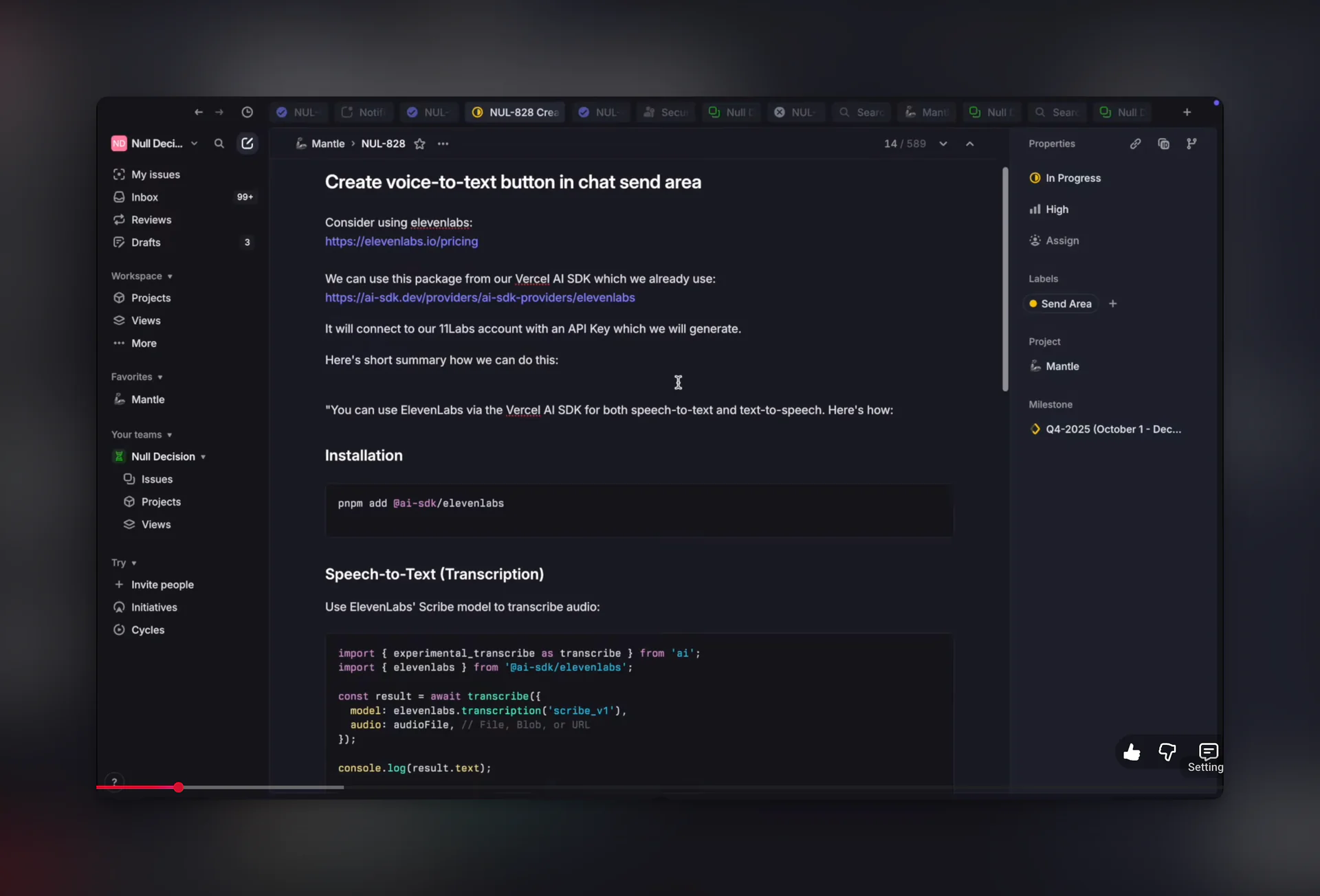
For this feature, we created and refined the issue in Linear, then I created a new branch in the repo.
That sounds basic, but it sets up two things that matter when you work with agents:
- A single source of truth for requirements (the Linear issue)
- A clean boundary for work (a branch you can review and ship)
Pro tip: Modern code editors already have deep knowledge of your codebase. You can ask the agent to "check the existing code for similar patterns" or even use Mantle Chat itself to help draft issues — it understands your project context and can suggest requirements, acceptance criteria, or edge cases you might miss.
2) Plan Mode First: Make the Agent Propose the Approach
Next, I opened Claude Code in Visual Studio Code and connected it to my current Linear issue using an MCP server.
What's MCP?
MCP (Model Context Protocol) is an open standard that lets AI agents connect to external tools and data sources. It works through a client-server architecture:
- MCP Servers expose capabilities (like reading Linear issues, fetching Slack messages, or querying databases)
- MCP Clients (like Claude Code, Cursor, or other AI tools) connect to these servers and use their capabilities
For my workflow, I use the Linear MCP server — it lets the agent read issue details, comments, and acceptance criteria directly from Linear. No copy-pasting requirements.
Pro tip: MCP servers are a game-changer for agent workflows. Instead of manually providing context, the agent can pull exactly what it needs. Check the MCP server directory for servers that connect to GitHub, Slack, Notion, databases, and more.
Then I asked Claude Code to start in plan mode.
What's Plan Mode?
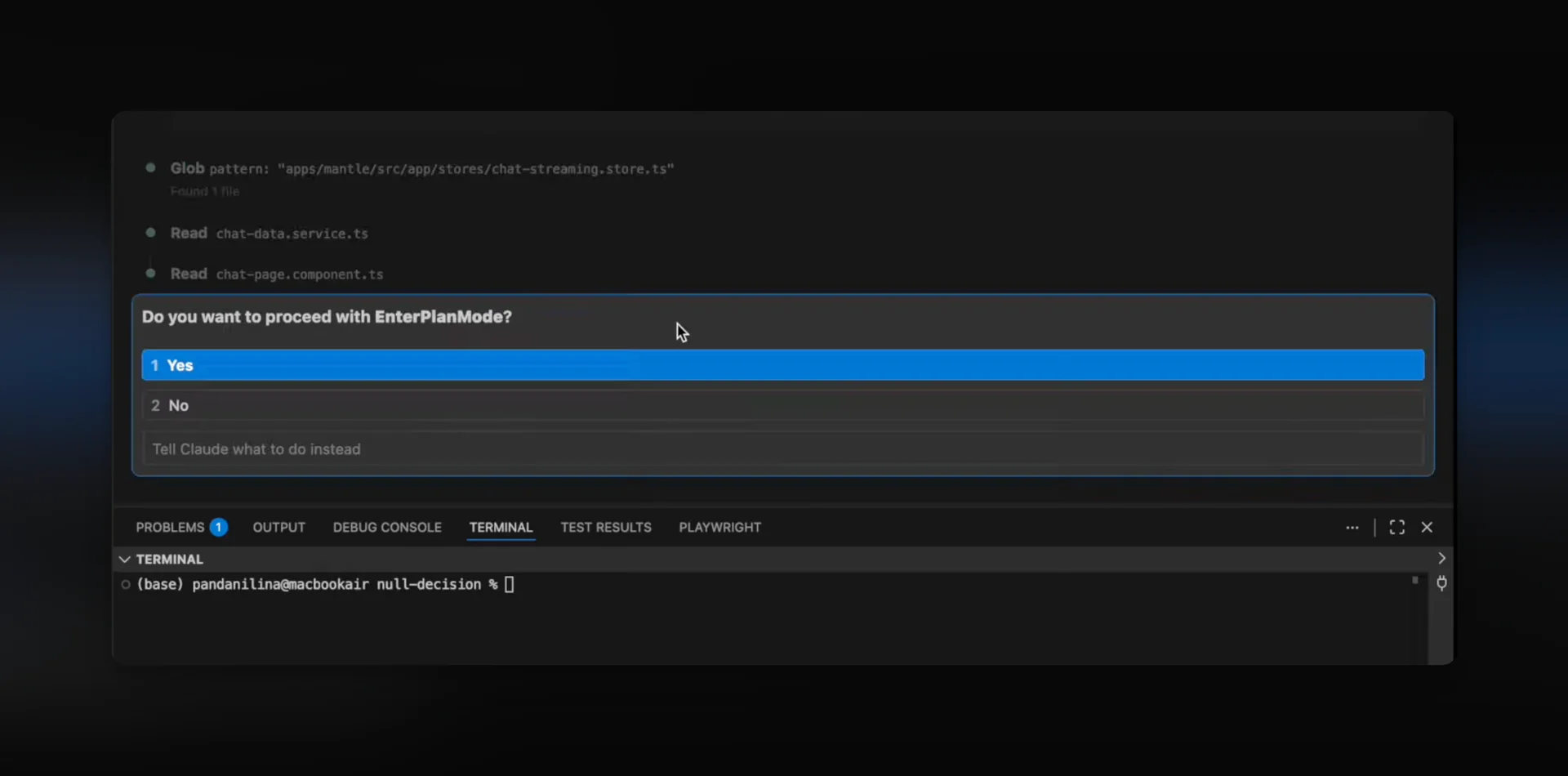
Plan mode is a way to make the agent think before it codes. Instead of immediately writing files, the agent:
- Researches first — explores the codebase, finds relevant patterns, understands existing architecture
- Proposes an approach — creates a step-by-step implementation plan with specific files and changes
- Asks clarifying questions — surfaces ambiguities early so you can guide the direction
- Waits for approval — doesn't write code until you review and approve the plan
This is especially valuable for non-trivial features. Without plan mode, agents can go down the wrong path and you end up fixing or reverting work. With plan mode, misalignments surface before any code is written.
In Claude Code, you can toggle plan mode with Shift+Tab in the input, or simply ask the agent to "start in plan mode" or "create a plan first."
My Plan Mode Flow
For voice-to-text, the agent:
- Explored the codebase to find where voice input should live
- Proposed a step-by-step approach
- Asked clarifying questions (where I could choose preferences and add comments)
At this stage, I also added screenshots and extra context. This is one of the easiest ways to prevent misalignment — especially on anything UI/UX-heavy.
Pro tip: Plan mode outputs are often saved as Markdown files. You can edit the plan directly, remove unnecessary steps, or add constraints before the agent starts implementing. Some teams even commit plans to the repo as lightweight documentation.
3) Review the Plan Like a Mini PRD
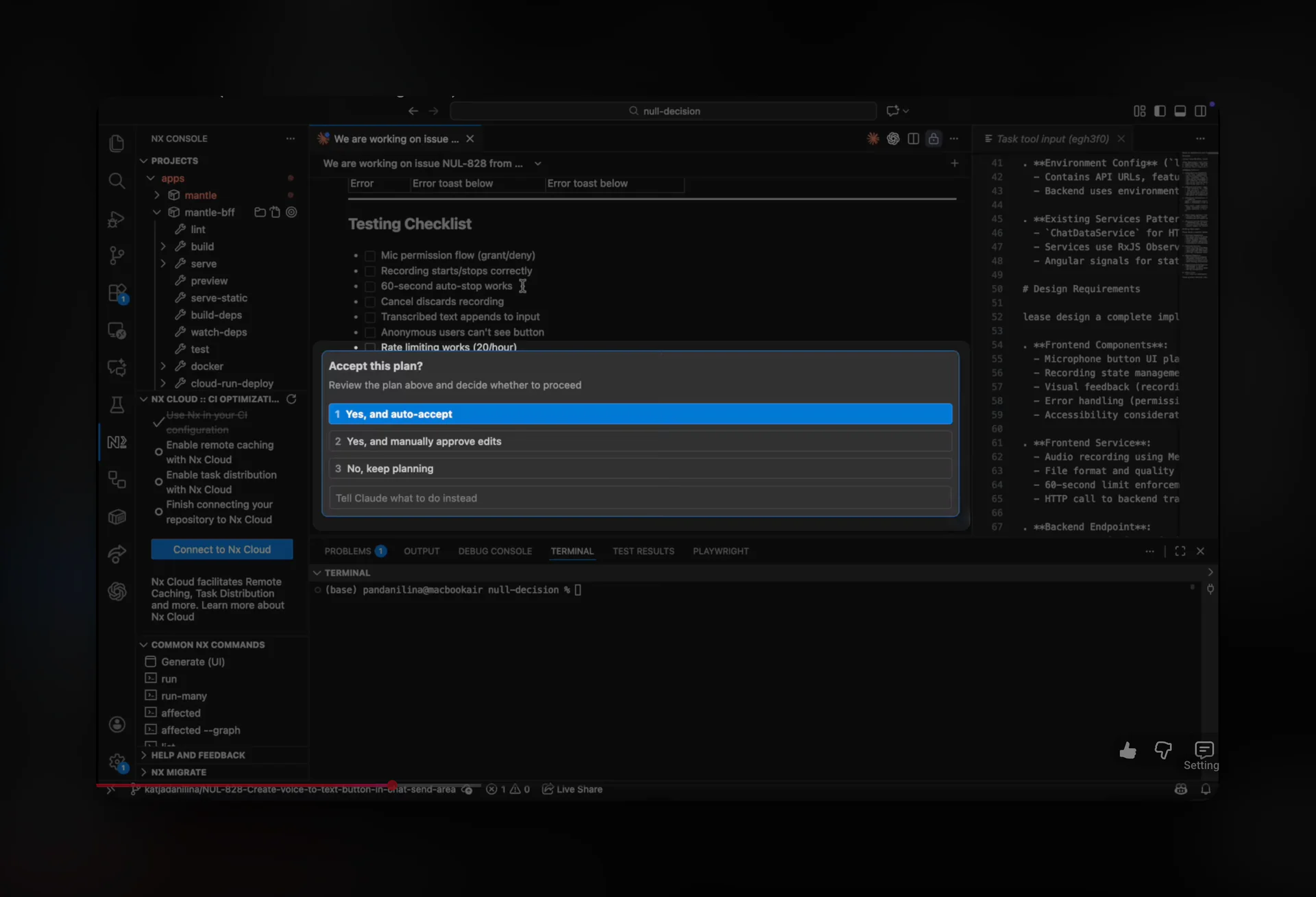
Once the plan was ready, I read through it carefully and asked follow-up questions — especially around UI behavior and UX ideas.
I also verified it against the Linear issue and our milestone goals. The plan should match what you actually want, not what's simply easiest to build.
If you treat the plan like a mini PRD, you get two big benefits:
- Fewer rewrites during implementation
- A written artifact you can reuse later (or hand to another agent)
4) Get a Second Opinion (Before Code Exists)
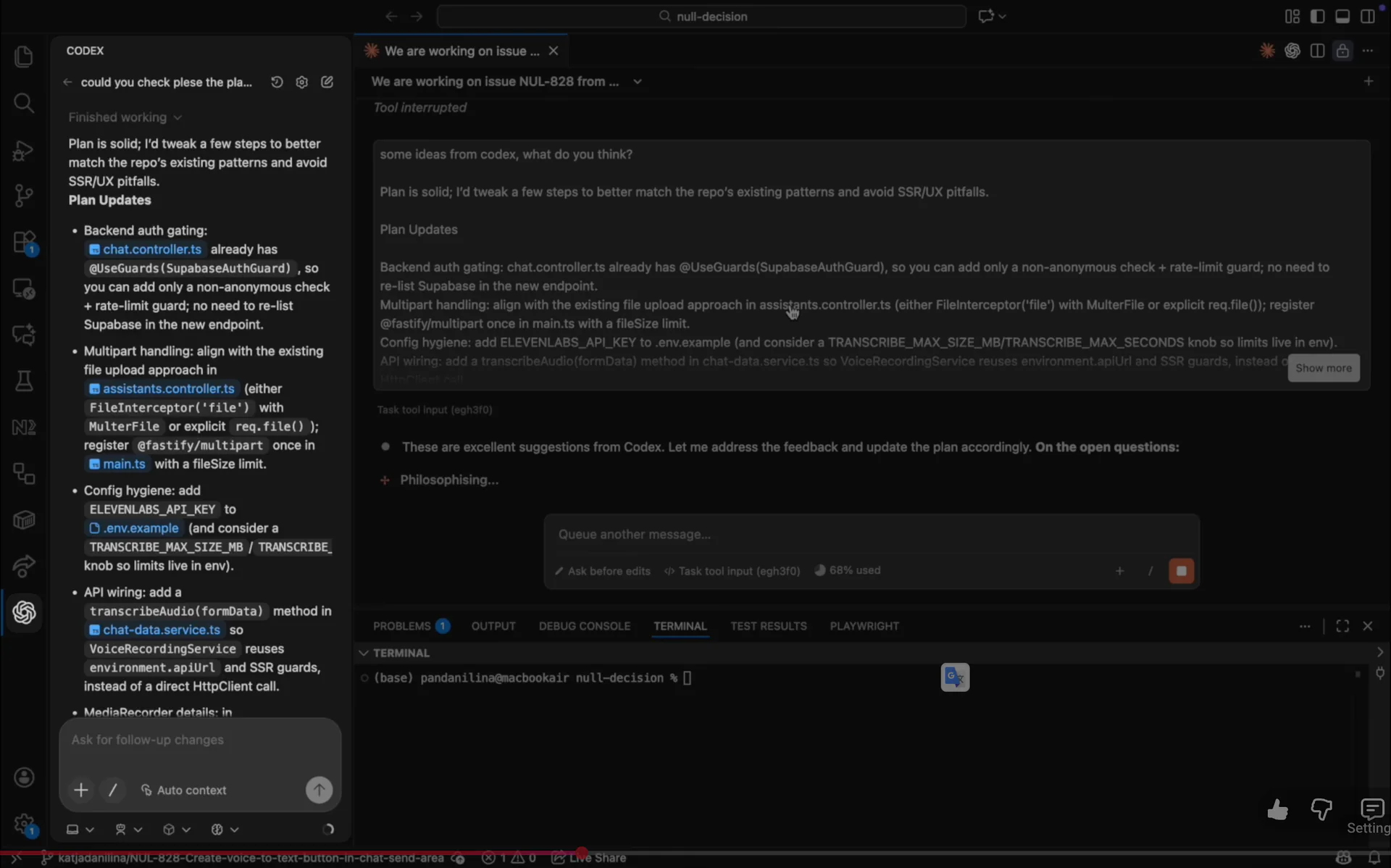
After that, I asked Codex for a second opinion to validate the plan.
This is a small habit that saves time. Different models catch different things:
- Edge cases you didn't think about
- Alternate implementations
- "This will get messy later" warnings
Codex finished its review, but I still had a few additional questions — so I used it to add details and think through edge cases.
Then I reviewed the plan one more time before moving on.
5) Set Up ElevenLabs (Fast and Intentional)
Next, I went to ElevenLabs and created an API key for Mantle Chat.
I enabled what we needed:
- Speech-to-text for this feature
- Text-to-speech for our blog
- Plus a few other configurations we already knew we'd want
Once the plan was updated, I added the API key to my .env file. That completed the first iteration.
6) Implementation Is Mostly Iteration
Once planning was done, implementation became a loop:
- Fix issues
- Run early tests
- Keep going until everything felt stable
This is where agents shine: they don't get tired of repeating the loop.
7) UX Research Matters: We Chose Real-Time Transcription
While building, I looked at how similar features behave in other apps — and I really liked how Cursor does it.
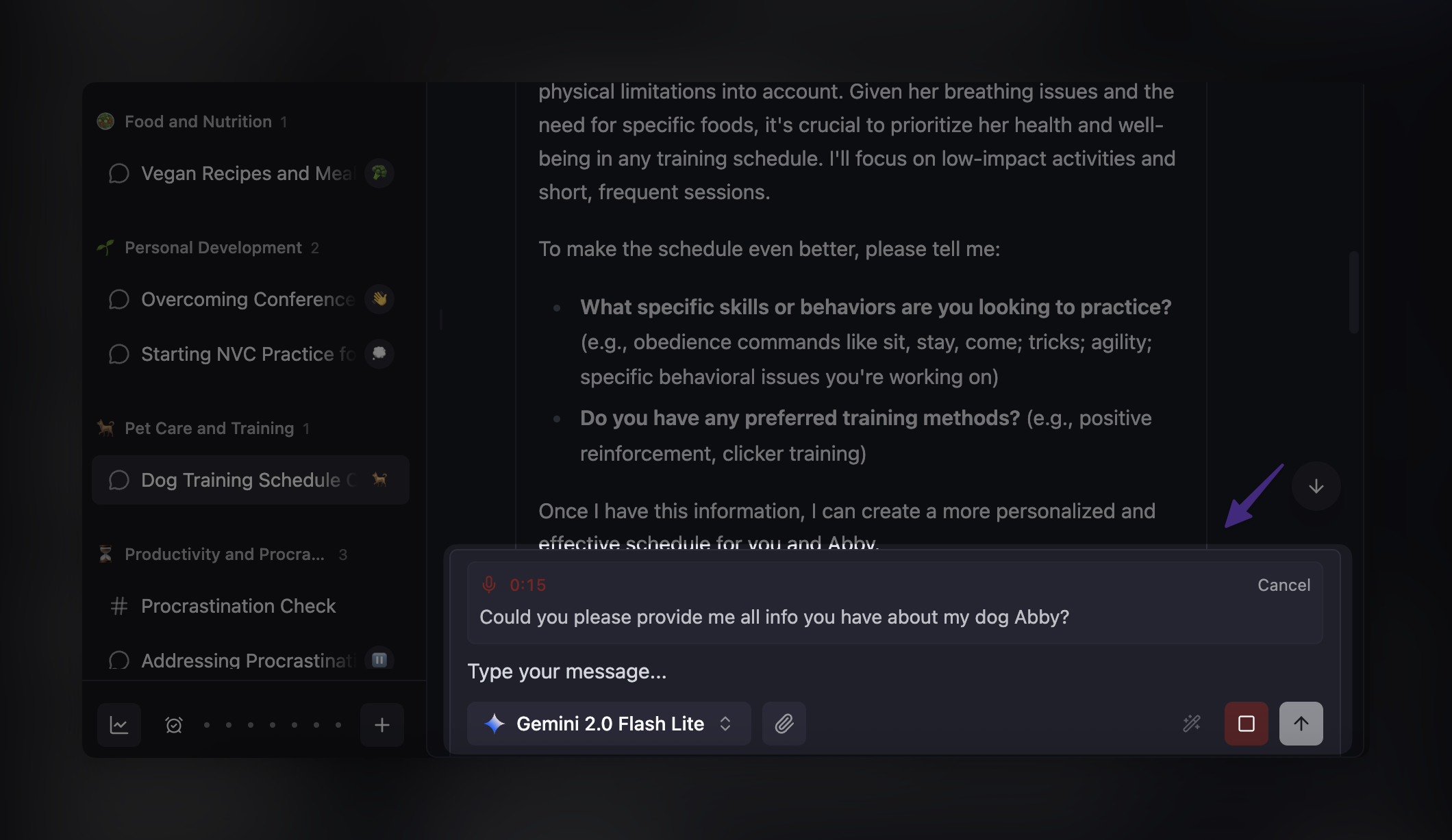
Cursor's voice input feels reactive: you see words appearing as you speak, which makes the experience feel responsive. So we decided to implement real-time transcription.
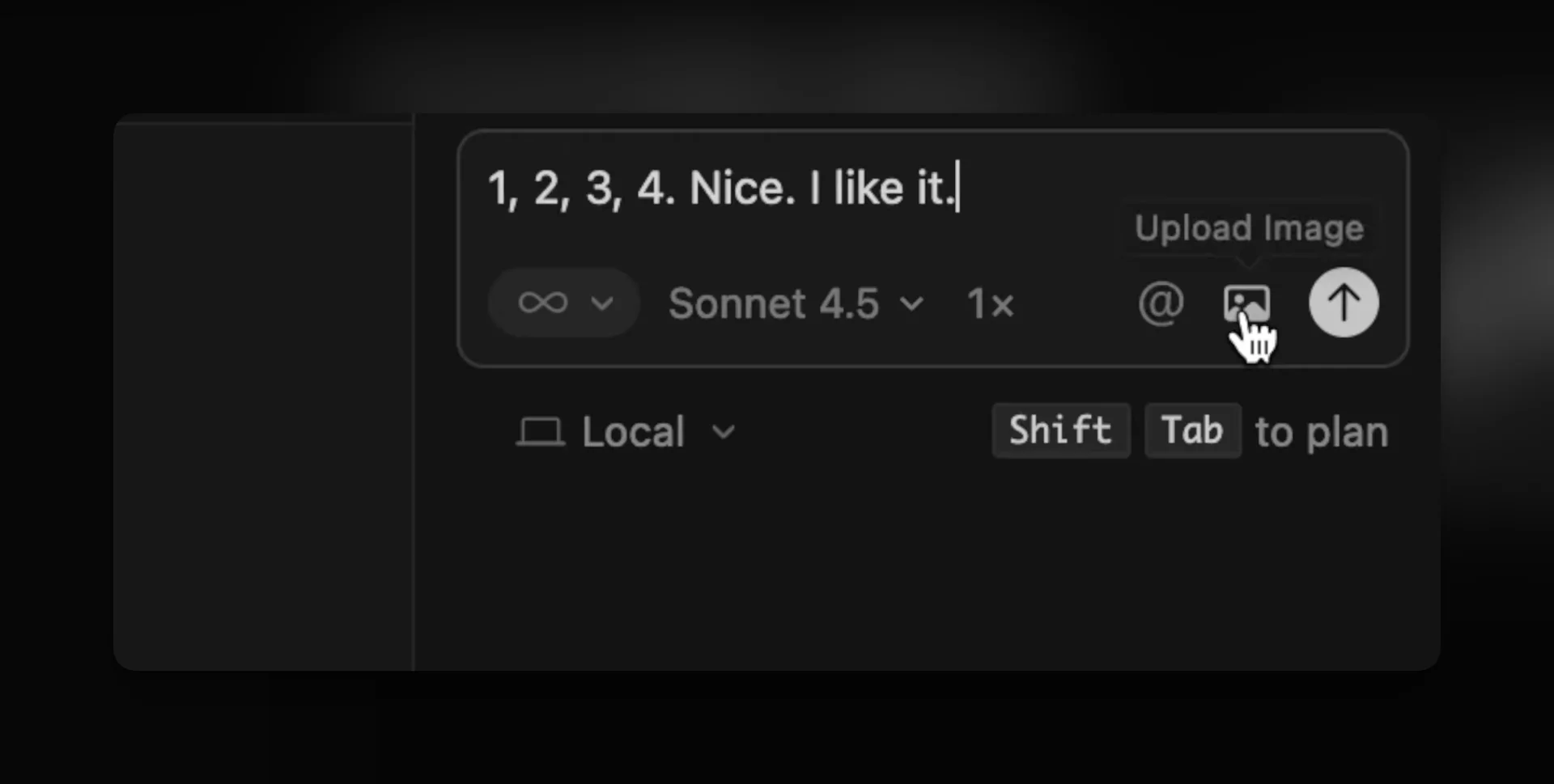
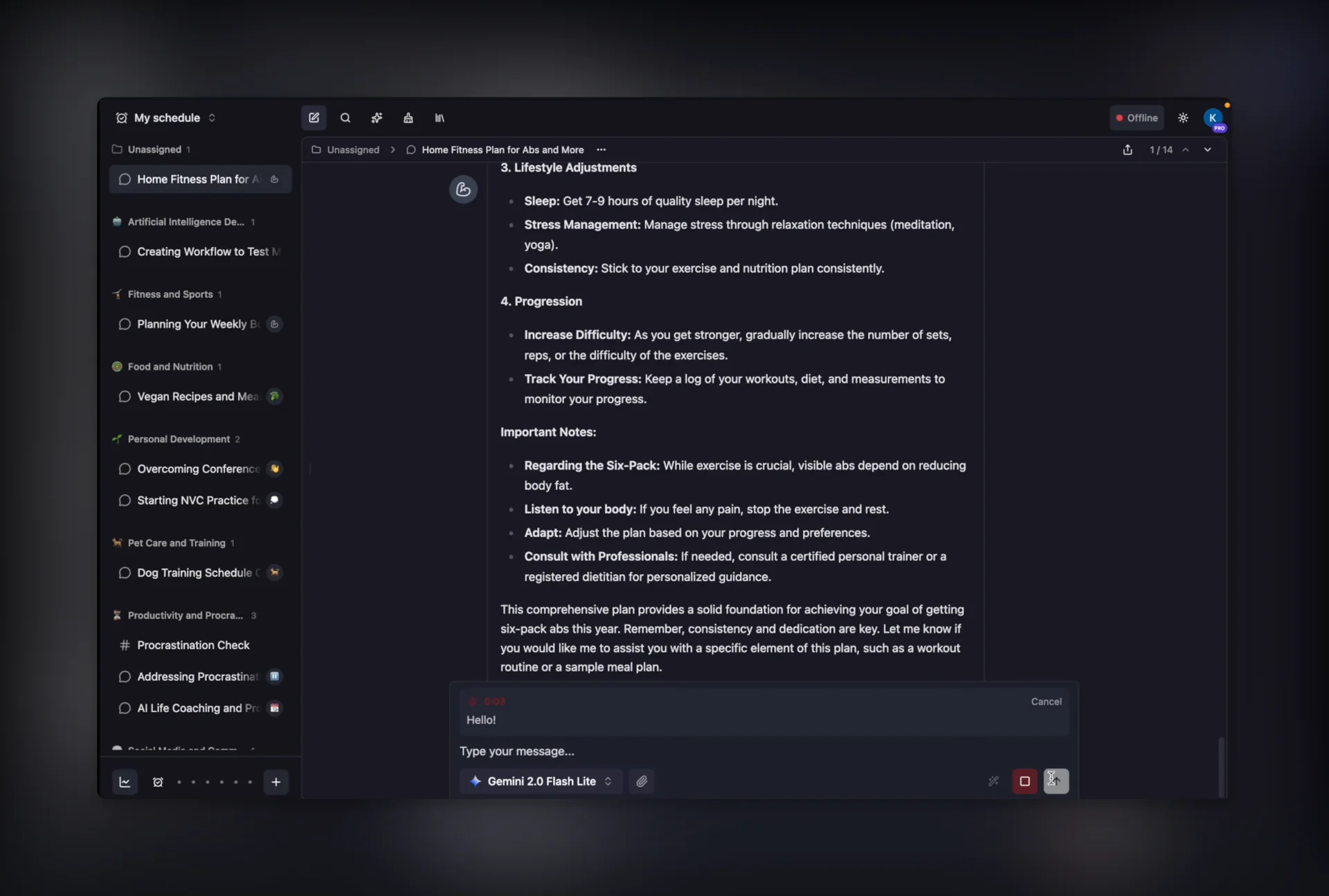
We also added a dedicated panel above the text input, where your words appear in real time as you speak.
That one decision — "make it feel alive" — did a lot of heavy lifting for the overall UX.
8) Review Stack: Agent Review, Checks, AI Comments, Human Eyes
Once I was happy with how it looked and felt, I asked Claude Code to do a first review.
Then I ran lint and tests, fixed remaining issues, and created a pull request.
Copilot and Codex left comments, and I reviewed them with AI. I also asked my partner — and Mantle co-creator — to review the PR as well. He's a highly skilled developer, and his feedback was super helpful.
After that, we had a few discussions on how to improve both the UX and the implementation — and we kept iterating until we were happy with the result.
Result: Voice-to-Text Is in Mantle Chat
And that's it — voice-to-text is implemented, and you can now use it in Mantle Chat.
Overall, this took us around two hours end-to-end:
- Team alignment (issue + scope in Linear)
- Planning with agent
- Implementation
- Testing
- Review
- Polishing
Most of the time went into implementation and testing — exactly where you want it.
What We're Learning About Shipping with Agents (in a Scrum Team)
A few workflow principles are starting to feel non-negotiable:
Plan as a team, then execute fast
Define requirements, acceptance criteria, and scope before the agent starts. Weekly planning sessions align the team on priorities.
Use Linear as the spine
Store all requirements in Linear. MCP servers let the agent read issue details directly — no copy-pasting needed.
Plan first with the agent
Use plan mode to generate an implementation approach before writing code. Review and approve the plan before implementation starts.
Get a second opinion early
Run the plan through a different model (Codex, Claude, etc.) to catch edge cases and alternative approaches.
Add screenshots for UI
Attach screenshots and mockups to UI-related issues. Visual references reduce ambiguity and prevent misaligned implementations.
Iterate with verifiable signals
Define success criteria: tests pass, lint passes, build succeeds. The agent iterates until all checks are green.
Review like you mean it
Run agent self-review, automated checks, and AI code review. Human review catches product and UX issues that tools miss.
Resources
For general best practices: Mantle Chat: Best Practices for Coding with Agents — our comprehensive guide covering team setup, MCP, plan mode, reviews, and common pitfalls.
Want to go deeper on agent workflows? Here are some excellent external guides:
- Claude Code Best Practices — Anthropic's official guide to getting the most out of Claude Code
- MCP (Model Context Protocol) — The open standard for connecting AI agents to external tools
- MCP Server Directory — Pre-built servers for GitHub, Slack, Notion, databases, and more
If you're enjoying these workflow breakdowns and want more of them, follow us on social media:
Thanks for reading!
Watch the short walkthrough on YouTube: Add Speech-to-Text (ElevenLabs + AI Coding Tools)
— Mantle Chat Team